Shipped from the EU
Your first embroidery machine
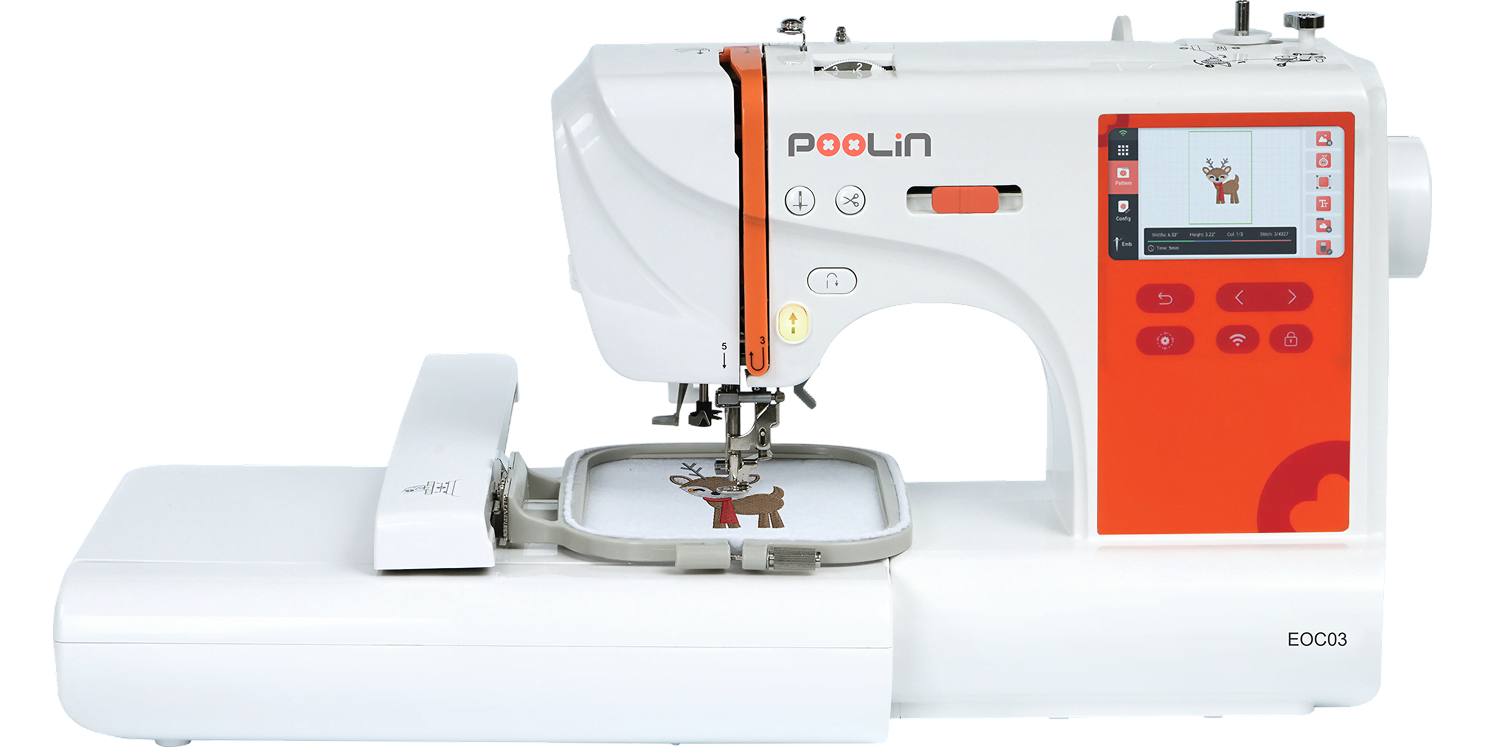
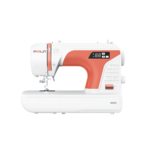
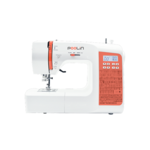
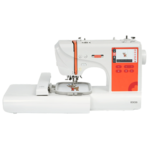
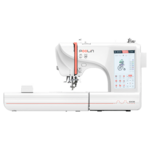
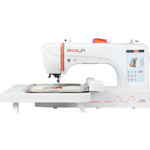
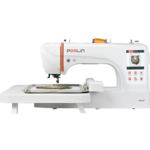
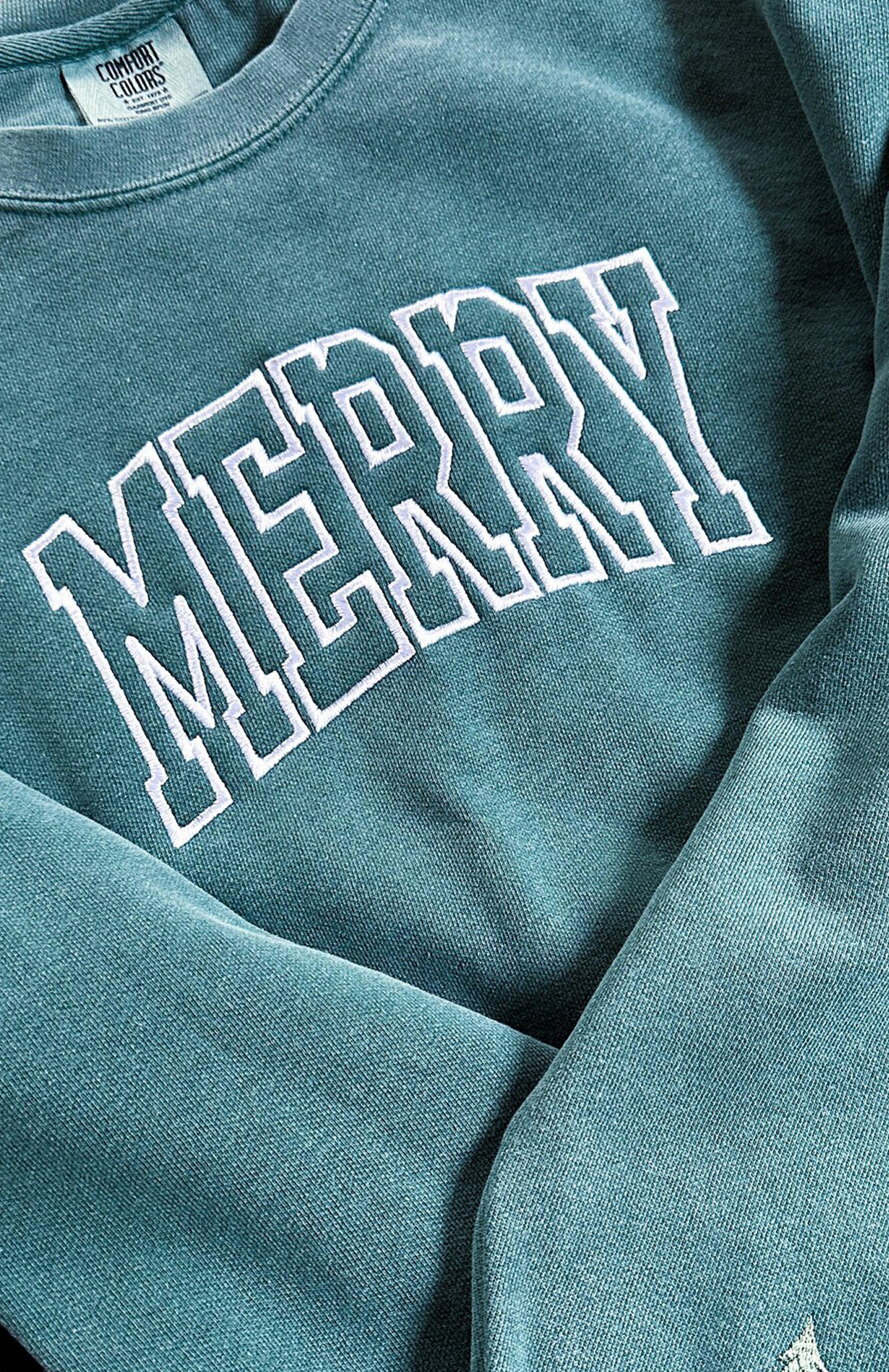
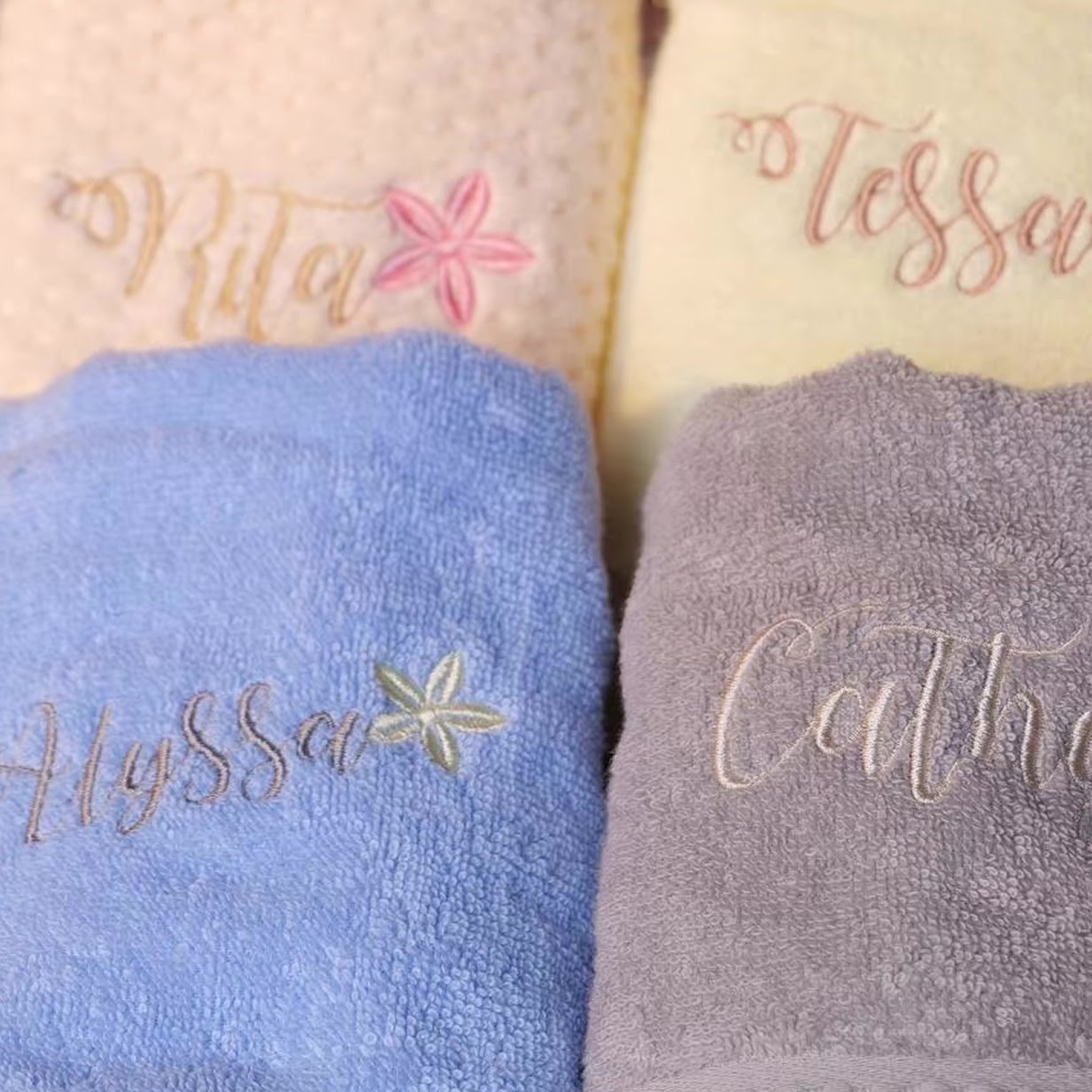
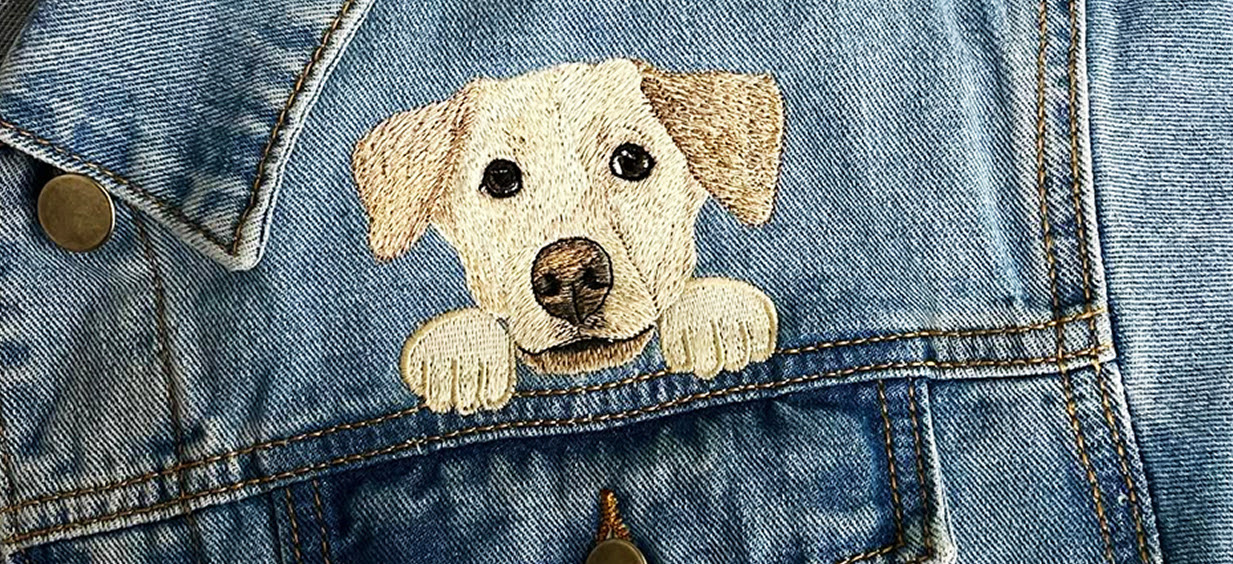
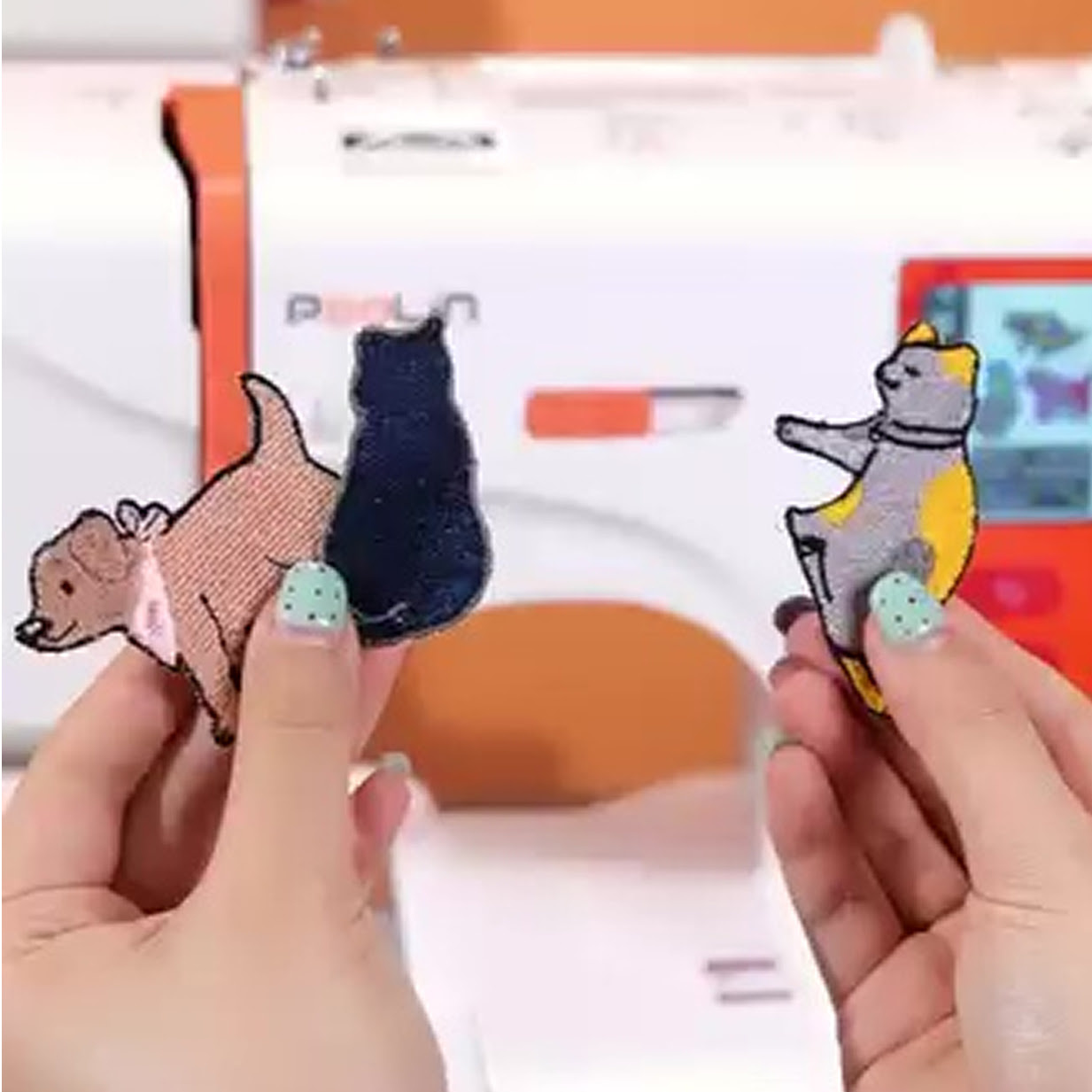
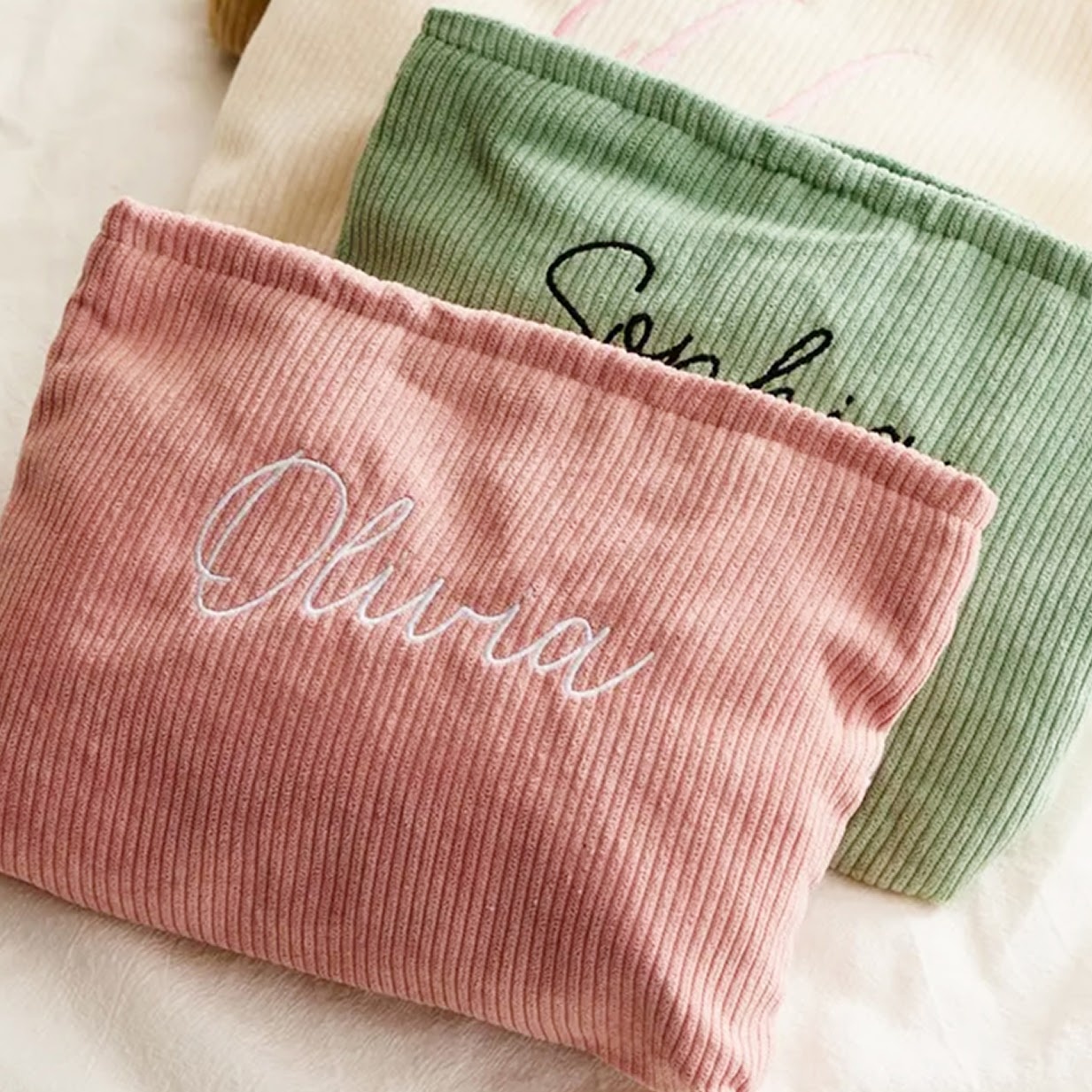
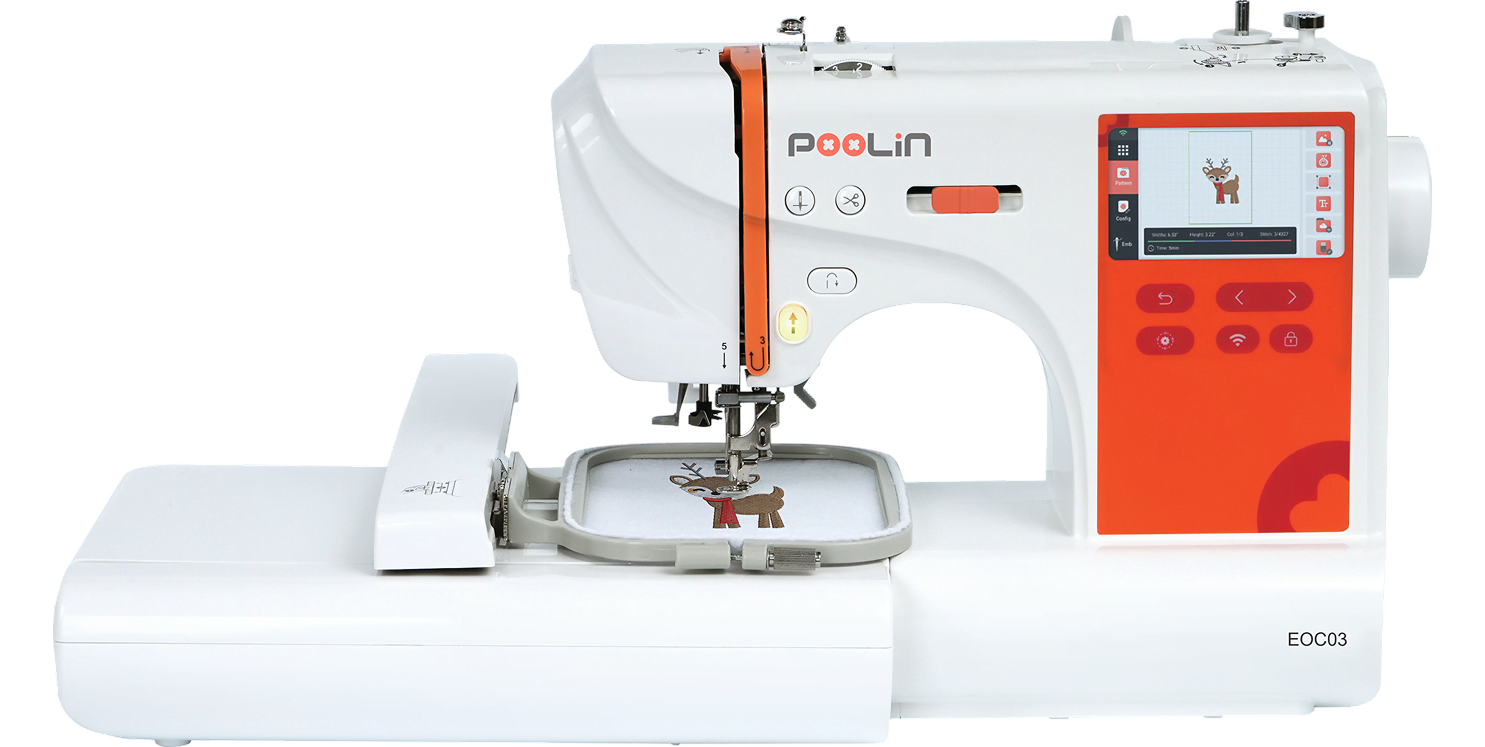
The PooLin EOC03 brings high-quality embroidery within easy reach. Its intuitive interface and responsive colour touchscreen make personalising your projects smooth and enjoyable, whether you are adding names to T-shirts, stitching monograms on towels, decorating baby clothes, customising tote bags, or creating detailed patches and appliqués. With the PooLin EOC03, embroidery becomes simple from the moment you start.
2 hoop sizes
10 × 10 cm / 10 × 23.5 cm
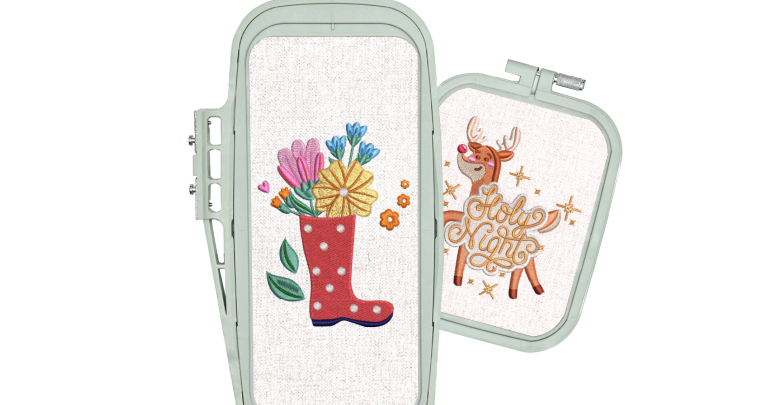
10x23.5cm max embroidery area
650 stitches per minute
(max speed)
130 built-in patterns
ready to stitch
8 built-in fonts for letter embroidery
Automatic features for ease of use
Needle threader, bobbin winding, thread trimming, and thread break alarm
24 pattern borders
4.3 inch touch screen with an intuitive interface
Easily adjust settings on a single screen.
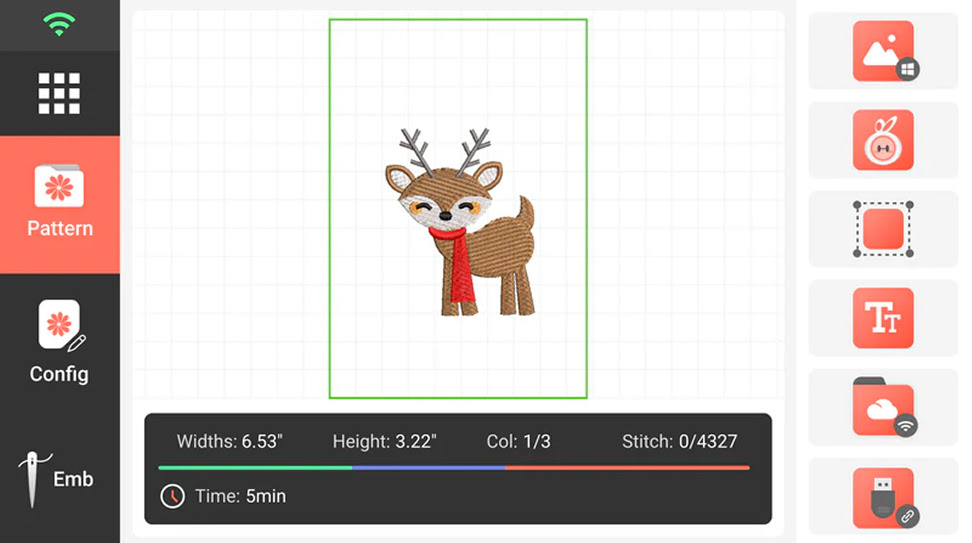
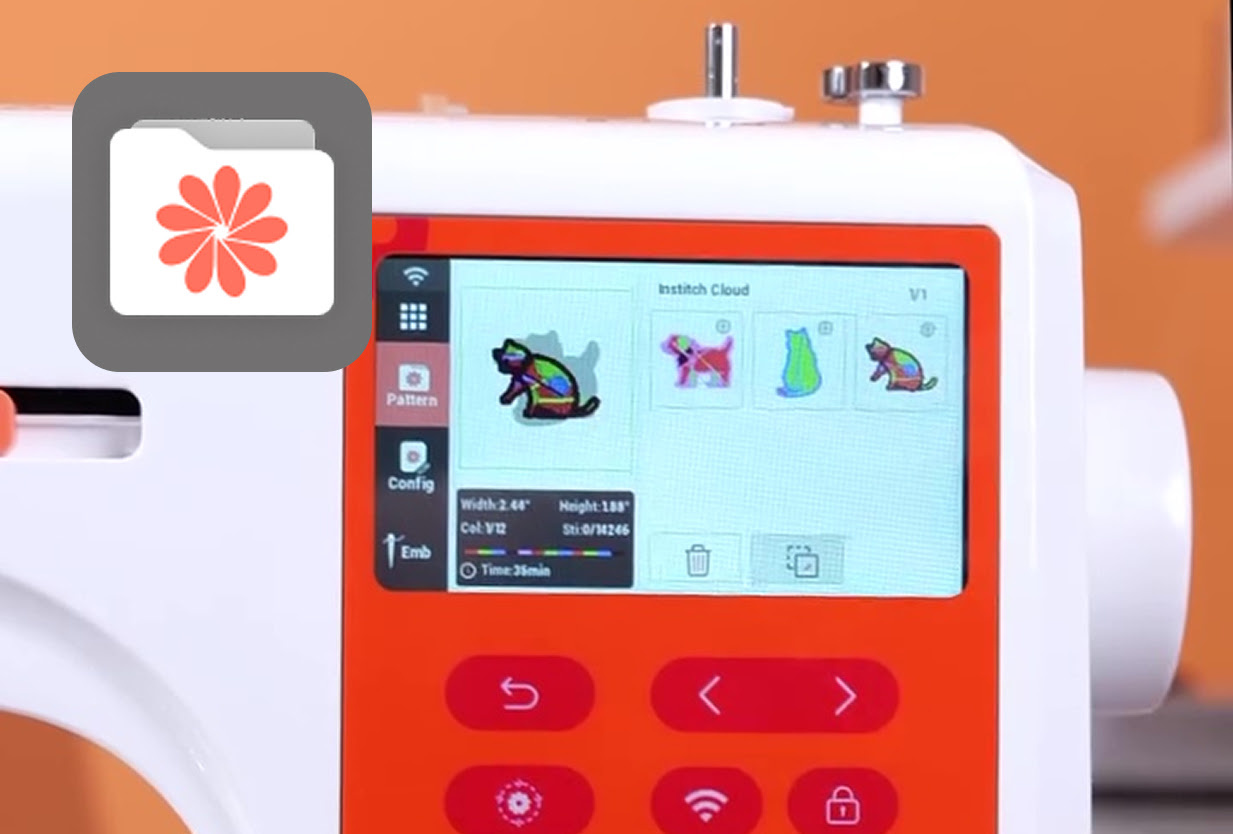
Choose your pattern
Select a built-in pattern on the embroidery machine, import a design via USB or WiFi, or create your own artwork using Institch Doodle Digitizing.
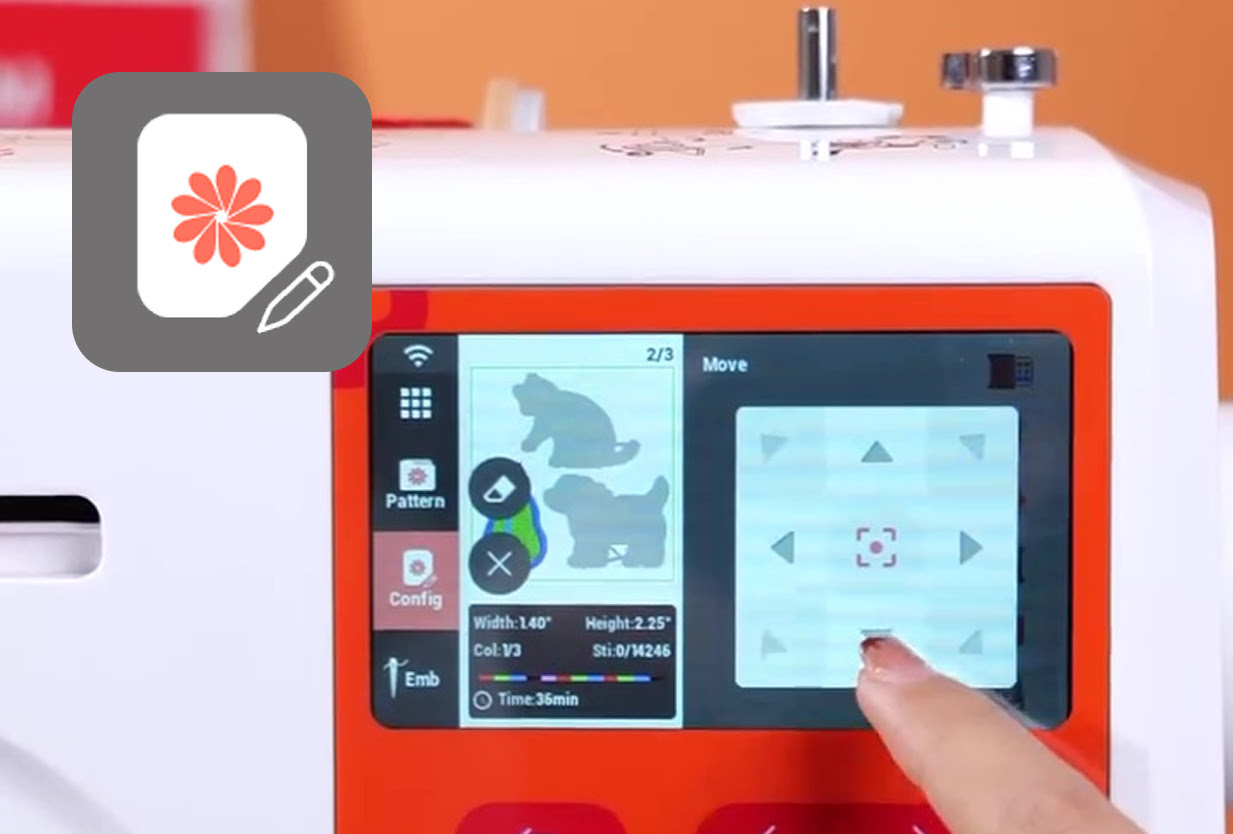
Edit the pattern directly on your machine
You can still make changes to your pattern if necessary. Rotate or flip your pattern, change the size, or even add text.
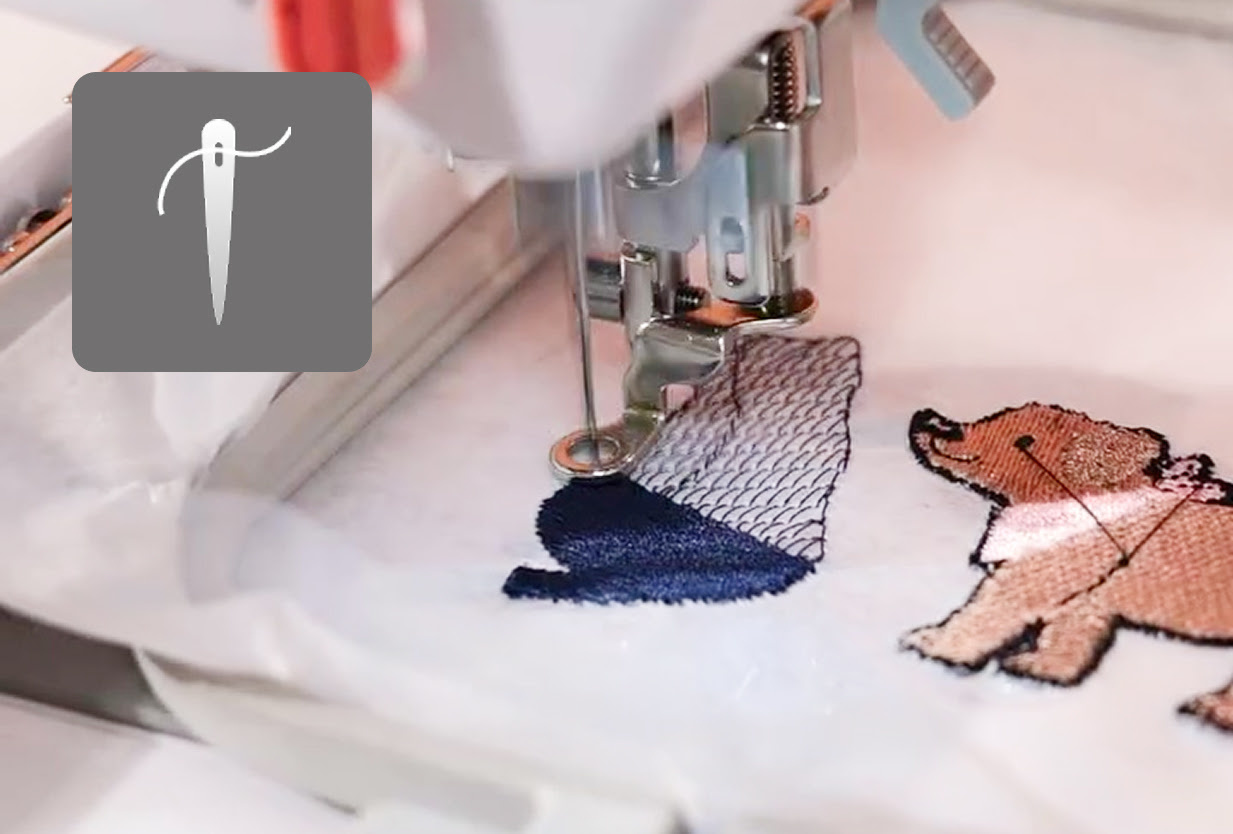
Start embroidering
Press trace to see if your project fits in the hoop. Tap Ready on the screen, press the Start button, and let the PooLin EOC03 do the work.
The right hoop for every project
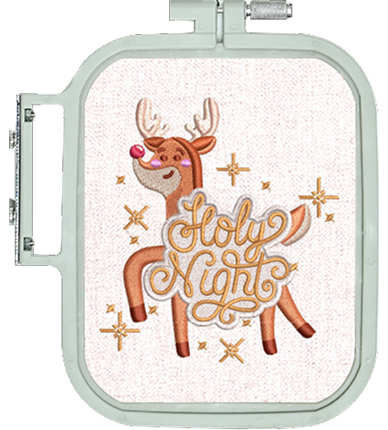
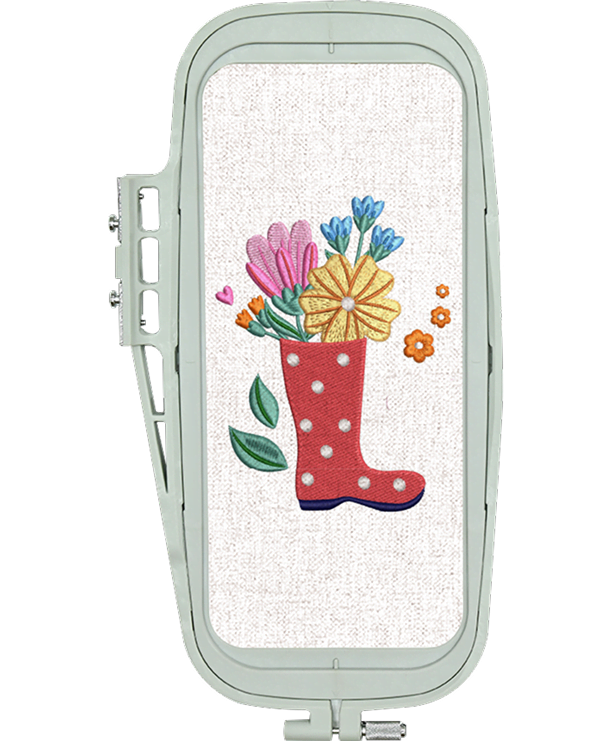
There are two embroidery hoops included with the PooLin EOC03 giving you maximum flexibility: a large 10 x 23.5 cm hoop and a smaller 10 x 10 cm hoop. The smaller hoop gives you greater efficiency for quick lettering, patches, and smaller detailed motifs, while the larger frame offers the necessary space for expansive, richly stitched designs, particularly excelling at long border patterns and larger horizontal designs.
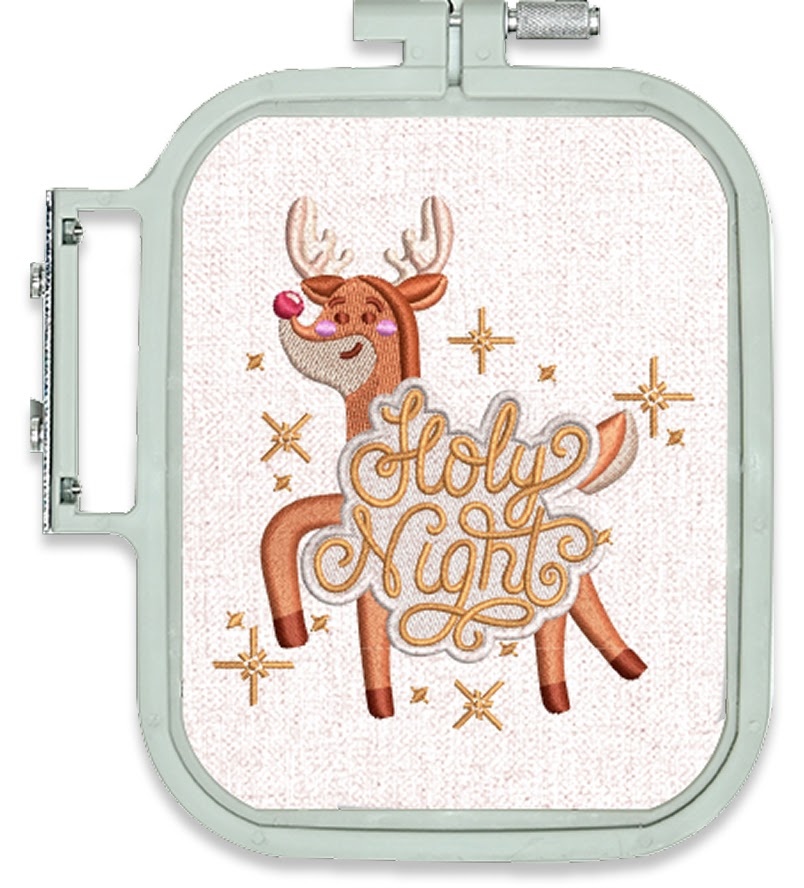
10 x 10 cm
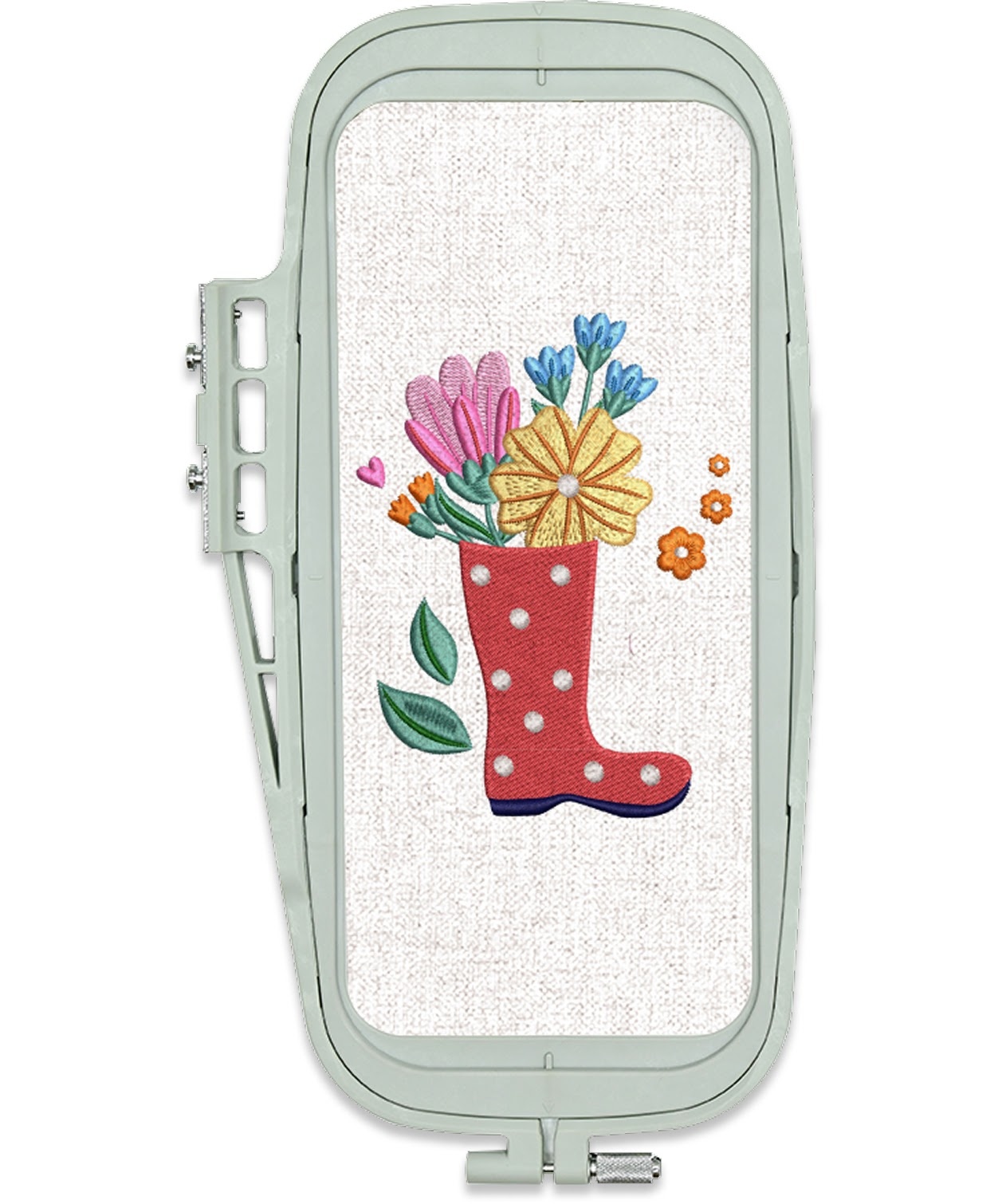
10 x 23.5 cm
Clear, responsive, and effortless to use
High-definition display
The 4.3-inch HD screen shows every stitch path and texture detail with stunning clarity.
Responsive touch control
Supports multi-touch gestures: drag, zoom, rotate, and adjust.
One-hand operation
The ergonomic interface design puts essential functions at your fingertips.
Interactive editing experience
Create and edit as naturally as sketching on a tablet: intuitive, fluid, and precise.
Personalisation at your fingertips
Make your embroidery personal with the PooLin EOC03’s eight built-in fonts. From classic serif styles to clean modern lettering, you can easily add names, monograms, and decorative texts that look crisp and beautifully stitched.
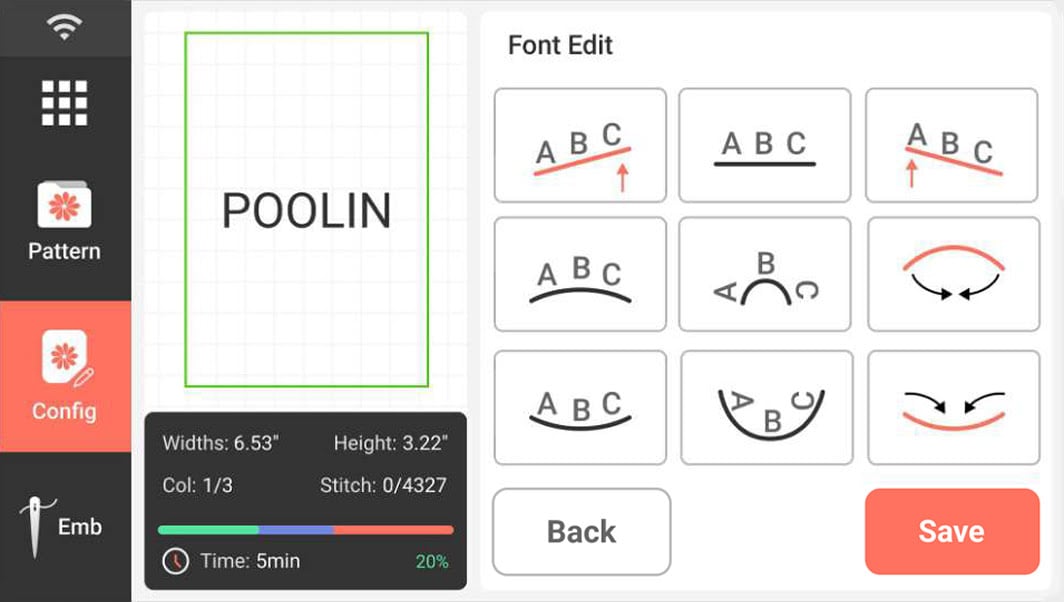
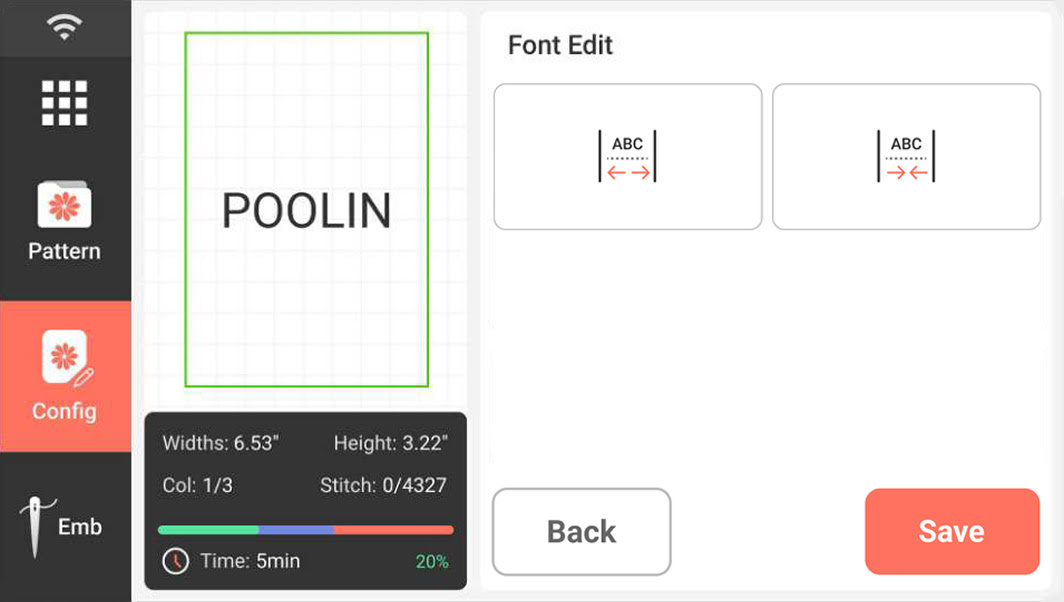
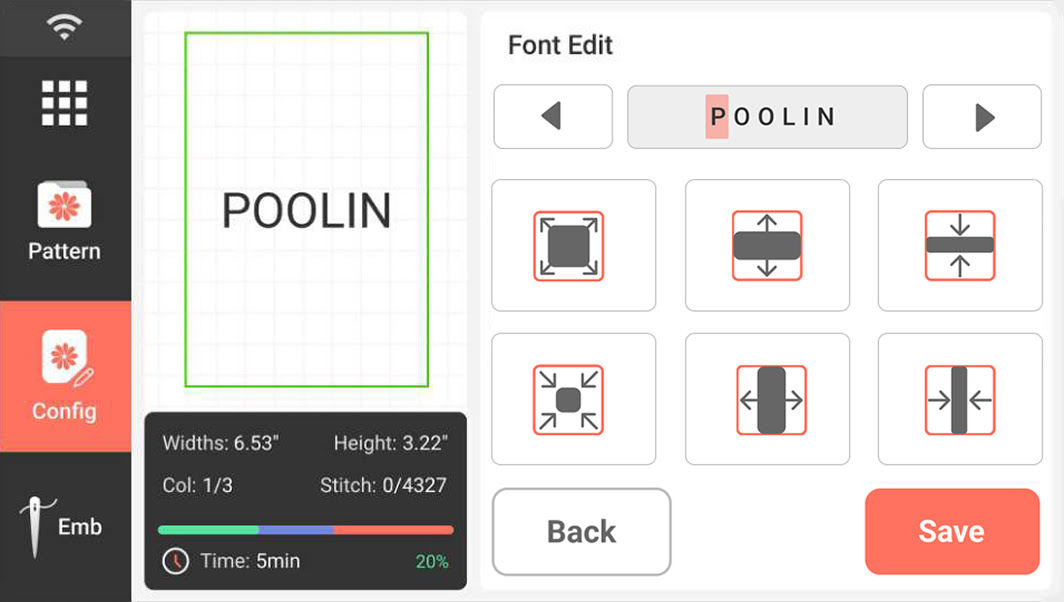
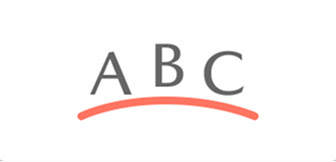
Adjust text angle
Match curves, corners, and creative layouts.
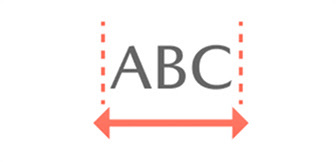
Adjust spacing
Fine-tune spacing between letters for a polished look.

Edit individual letters
Refine the size, position, or style of your text.
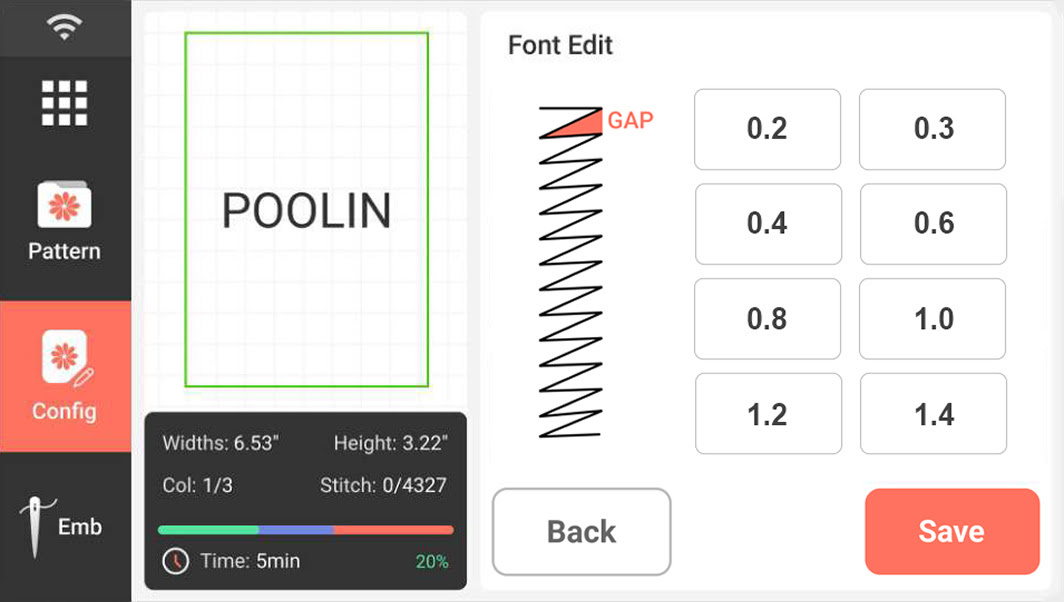
Adjust stitch density
Get sharper edges and smoother fills.
Faster setup, fewer interruptions
Semi-automatic needle threader
Save time and eliminate eye strain by letting the embroidery machine handle the threading for you.
Bobbin winding
Quickly and easily wind your bobbin when you run out of thread.
Thread trimming
The embroidery machine automatically cuts the thread after one colour is completed, so you can switch to the next colour of thread without hassle.
Thread break alarm
Get alerted instantly if your upper thread snaps.
Send your custom artwork directly to your embroidery machine
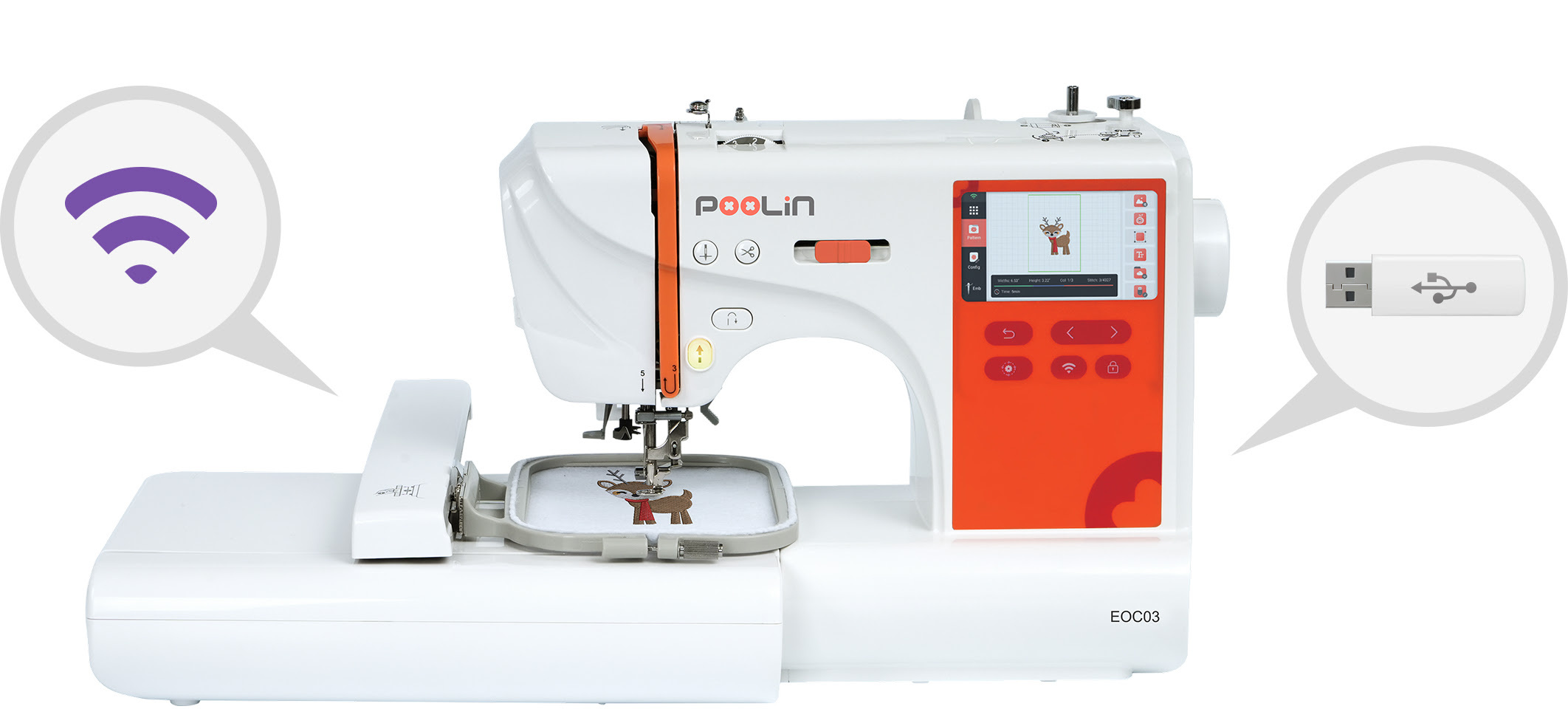
Transferring your designs to your PooLin EOC03 is quick and effortless. Simply send your DST or DSB embroidery files to the embroidery machine via USB or WiFi, and they appear instantly on the touchscreen, ready to stitch. Other embroidery file formats should be converted to a supported format before transfer. No complicated steps, no cables to manage, just smooth sailing from design to embroidery.
Enjoy smooth, simple navigation in your preferred language
With currently 12 available languages, the PooLin EOC03’s interface adapts to your preferences, giving you a smooth, familiar, and user-friendly experience from the moment you switch it on.
Supported languages are English, Arabic, French, German, Italian, Japanese, Portuguese, Russian, Simplified Chinese, Spanish, Turkish, and Vietnamese.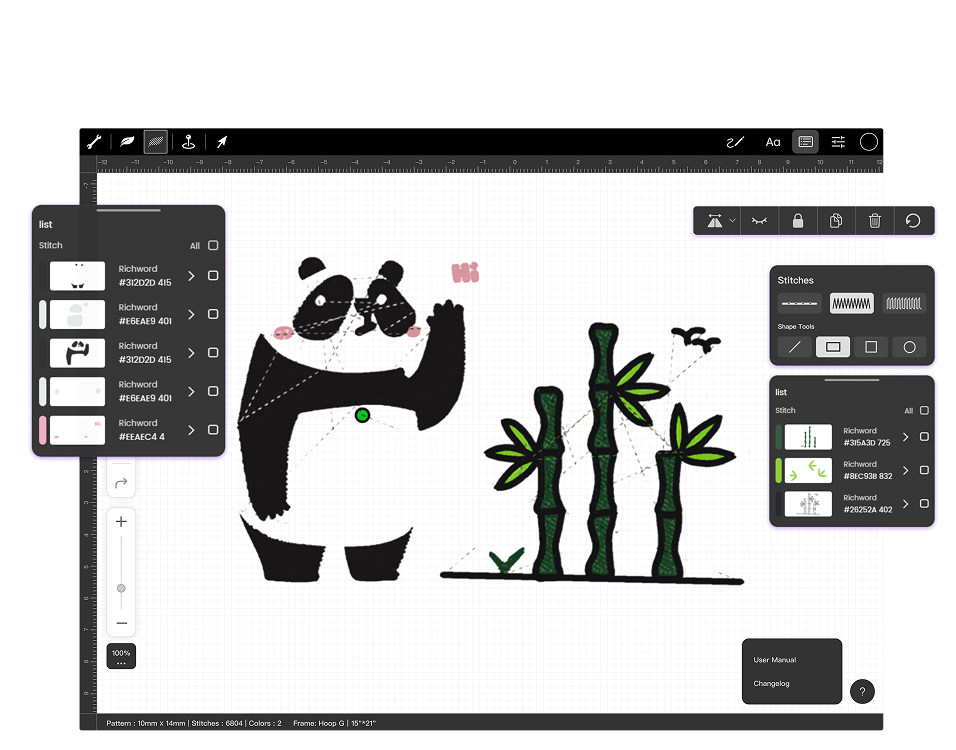
With Institch Doodle Digitizing, even beginners can turn ideas into beautiful embroidery.
This free, web-based tool lets you doodle, trace, or upload artwork and convert it into stitch-ready files for your PooLin EOC03. The built-in cost calculator helps you plan materials and pricing, and designs can be sent wirelessly straight to your machine.
It’s a simple, fun way to bring your creativity to life with no experience required.
Learn more about Institch
What if you could turn a spark of inspiration into something you can touch: a name on a shirt, a pattern on a tote bag, a gift stitched with love? With the PooLin EOC03, your ideas come to life one stitch at a time. Designed for creators of all levels, this embroidery machine is your all-in-one partner for clothes, home décor, gifts, and more.
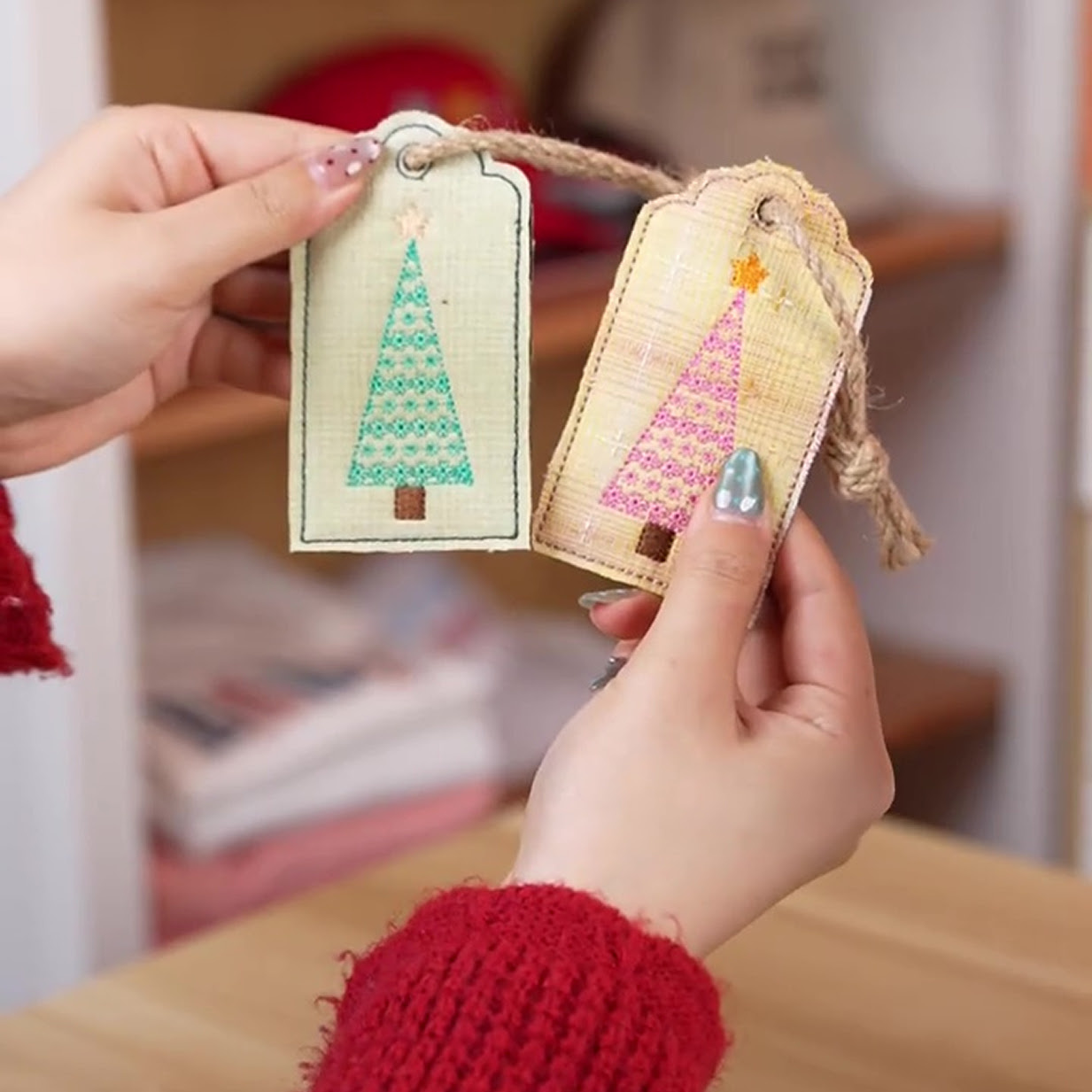
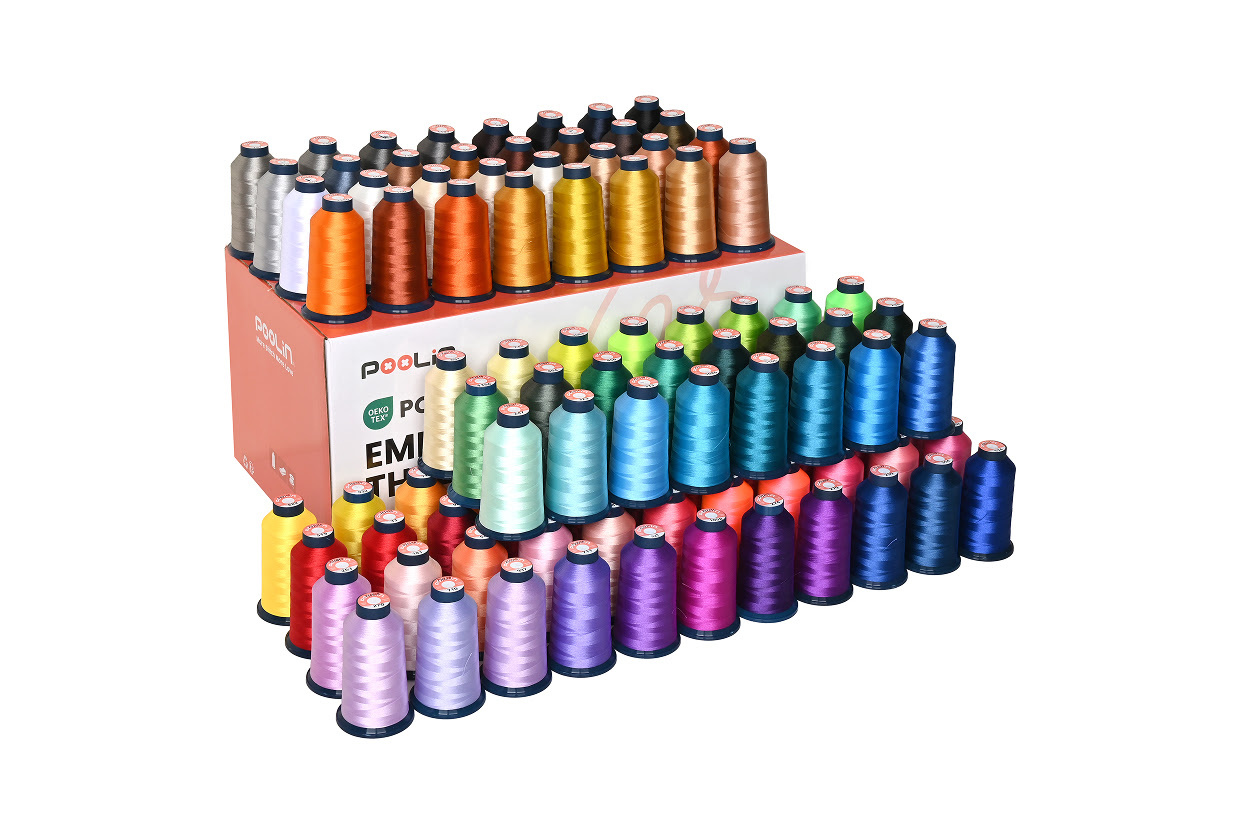
Embroidery thread
Smooth and resistant to breakage, with rich vibrant colours. Make your creations stand out.
Shop now for embroidery thread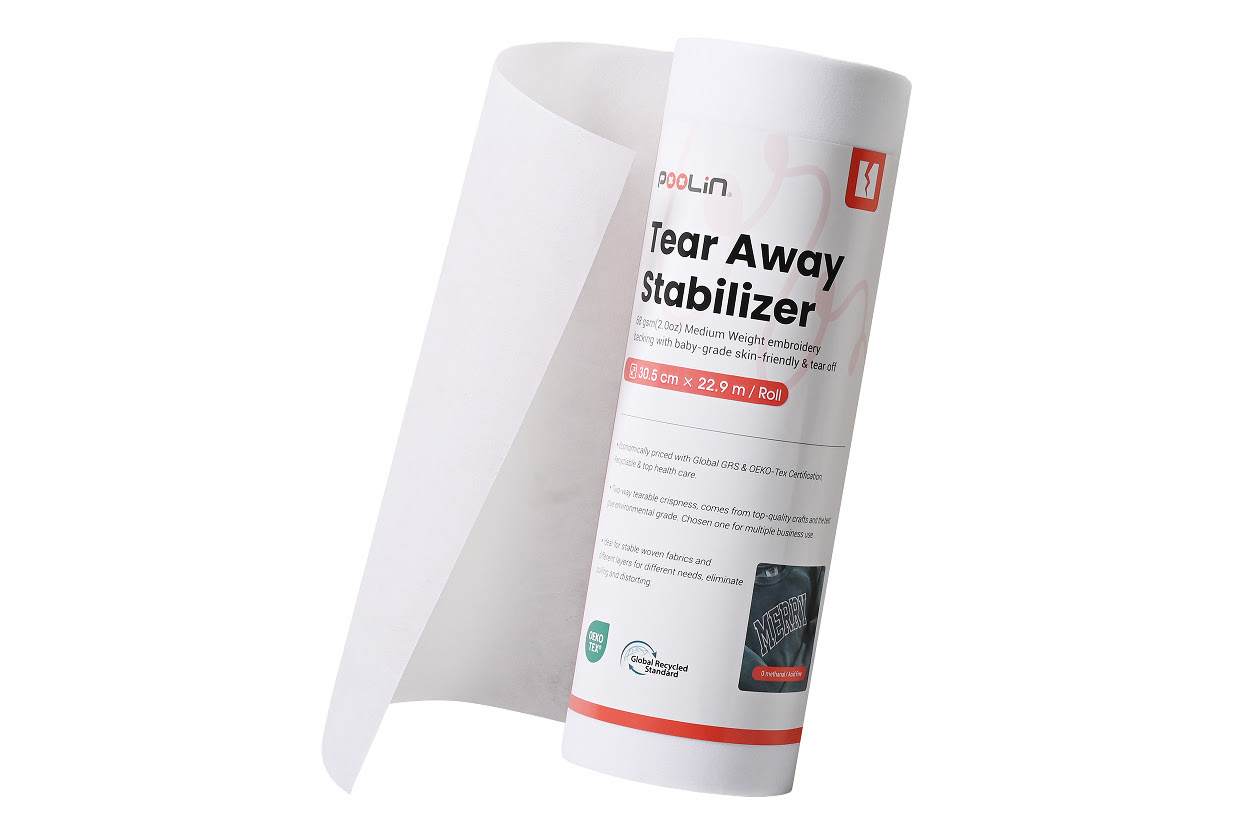
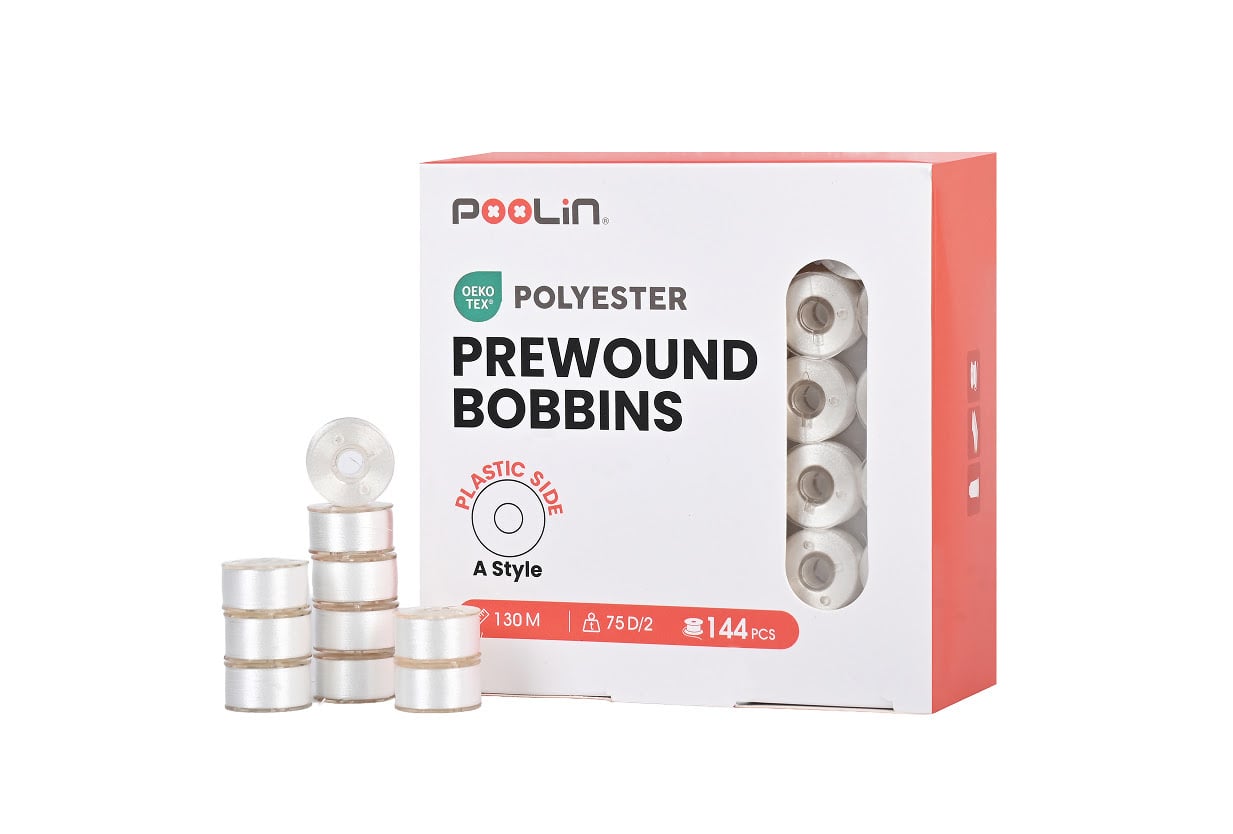
Bobbins
Pre-wound bobbins with reduced friction and static for even thread tension and a professional finish.
Shop now for bobbinsFrom inspiration to finished design, PooLin provides the tools and guidance to bring your embroidery ideas to life.
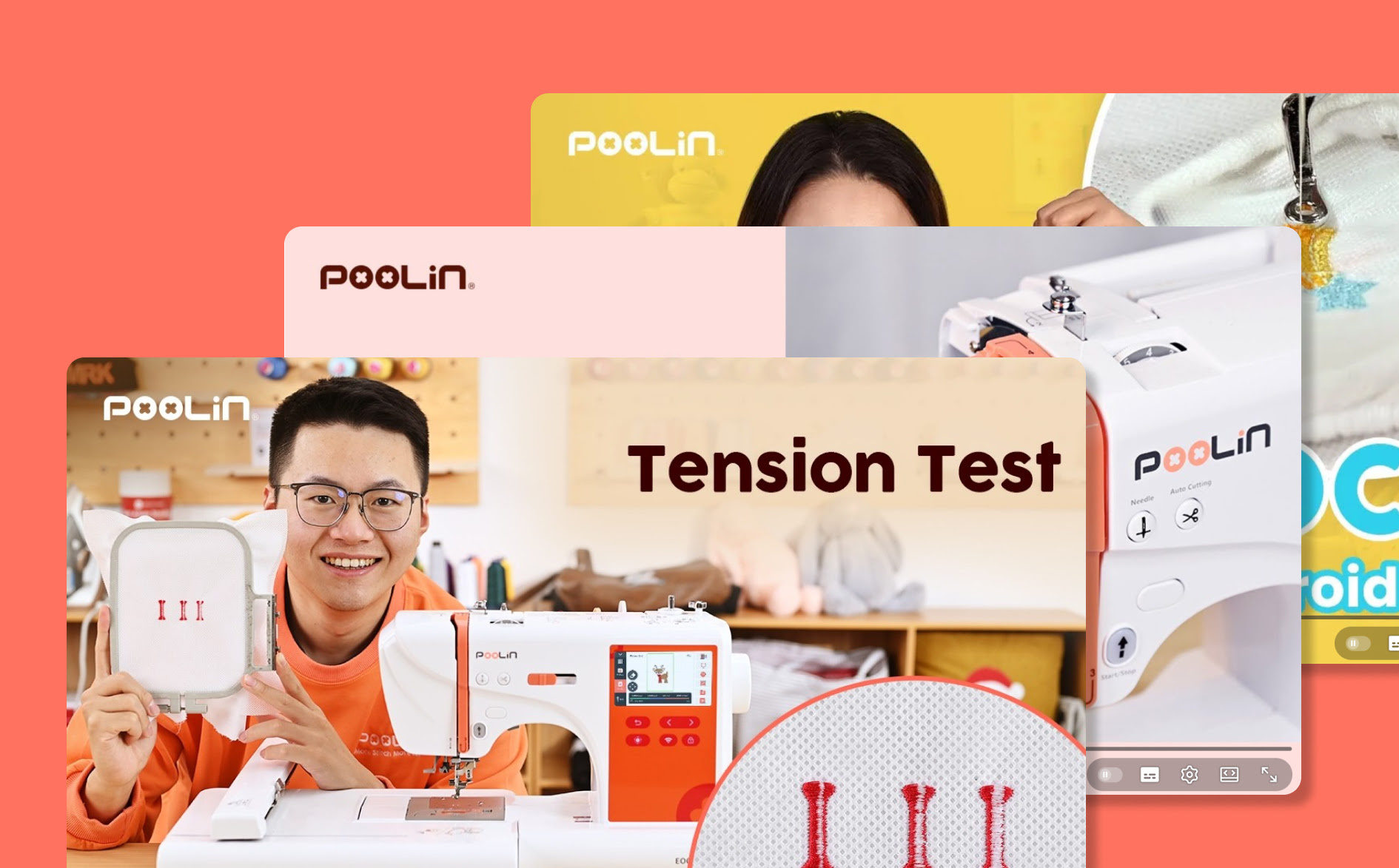
Discover easy step-by-step setup guides, essential machine maintenance tips, and practical video tutorials for your PooLin EOC03. Learn how to look after your machine and get professional results from your very first stitch.
Watch on YouTube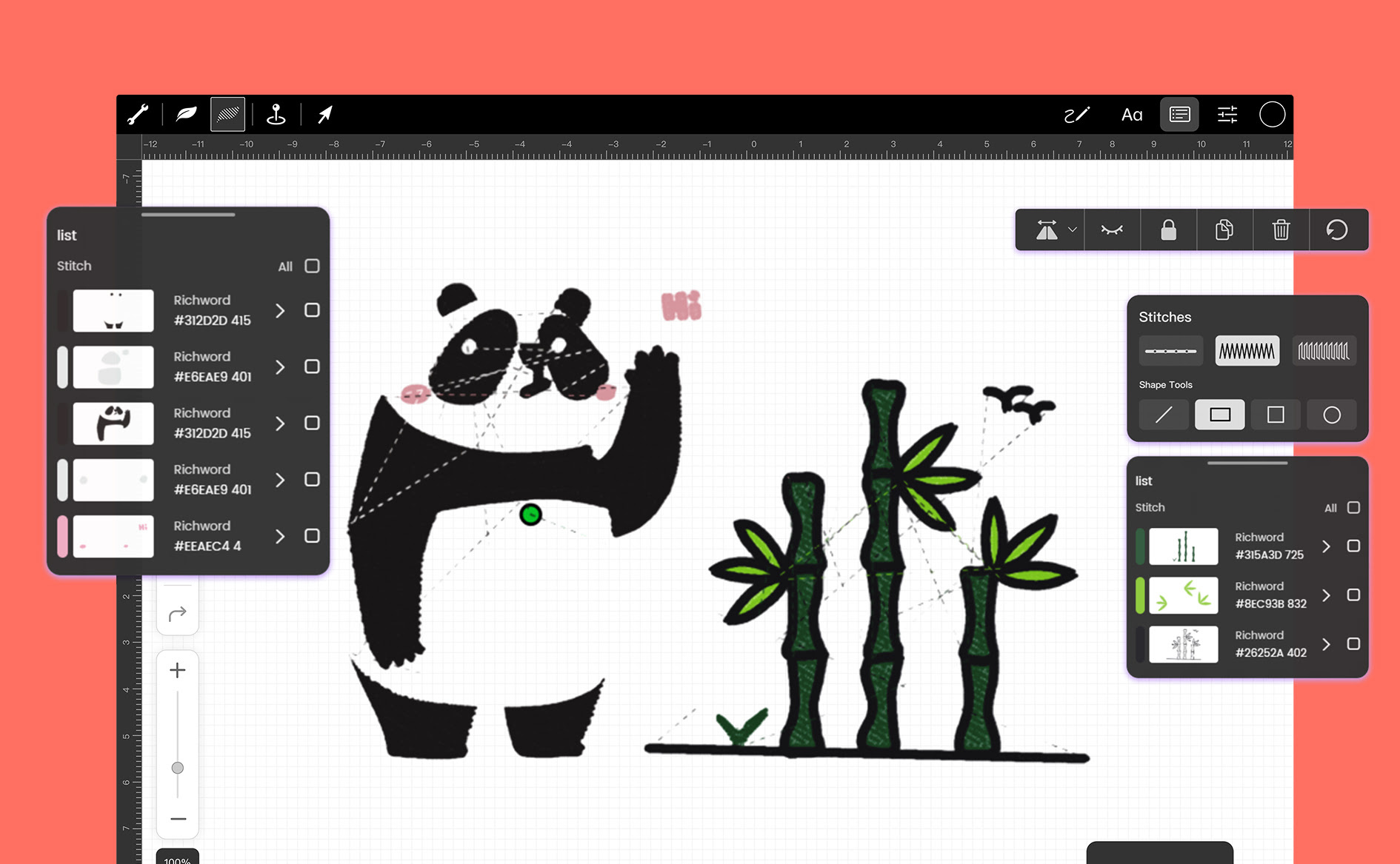
Bring your custom creations to life with our free embroidery design software. Effortlessly flip, rotate, resize or add custom lettering to your patterns to create the perfect layout before you stitch.
Learn more about our software