Shipped from the EU
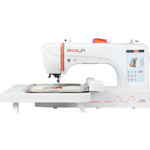
Embroidery machine with extra-large hoop
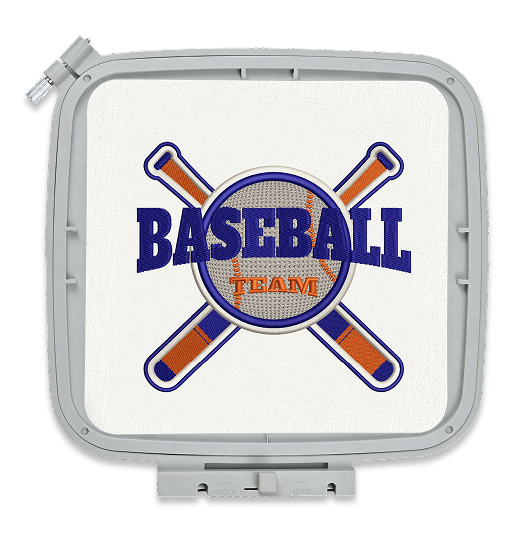
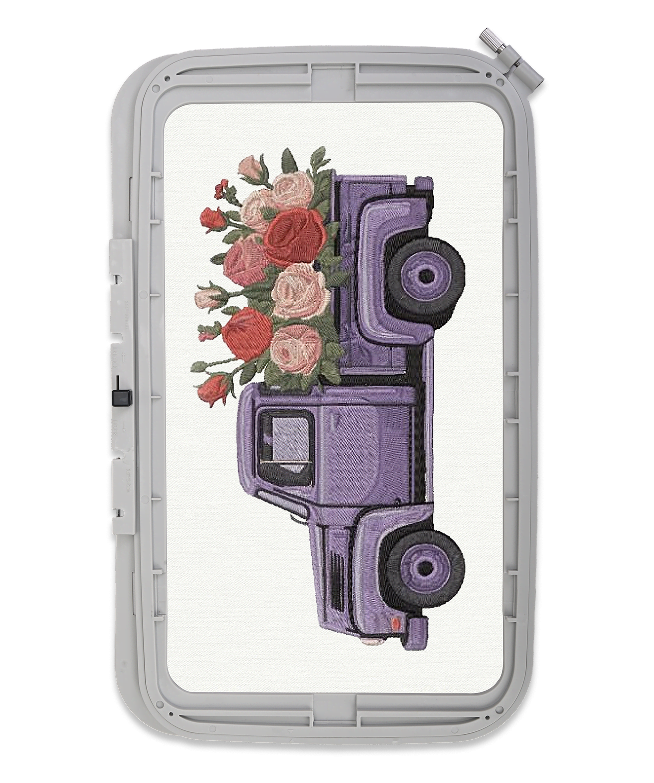
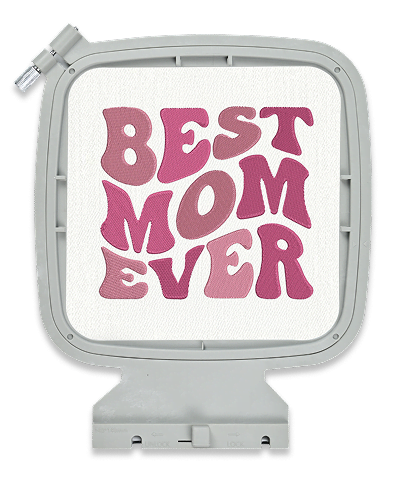
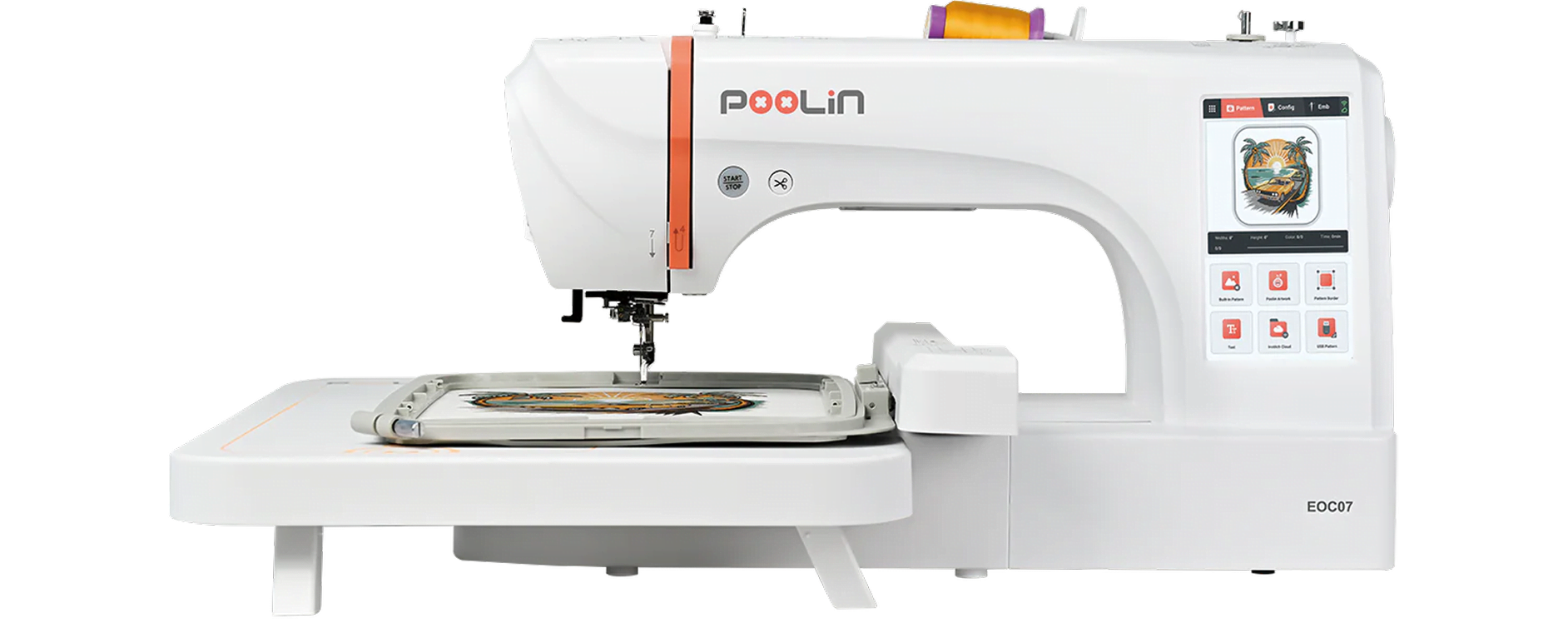
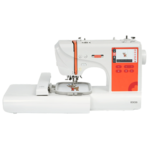
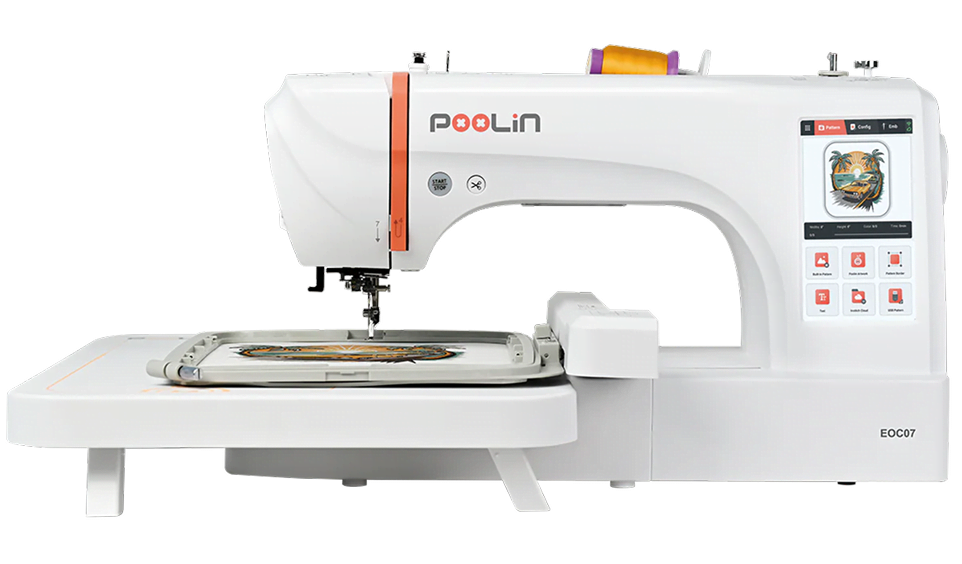
Every great business begins with a spark of inspiration, but bringing larger-than-life designs to reality requires the right partner. Enter the PooLin EOC07 computerised embroidery machine. Built for passionate makers and rising entrepreneurs ready to think bigger, this embroidery machine takes everything you love about machine embroidery and supercharges it for professional results. Featuring an extra-large 20 x 38 cm embroidery area and effortless Wi-Fi design transfer, it turns blank apparel and home textiles into premium, market-ready products.
3 hoop sizes
14 × 14 cm / 20 × 20 cm / 20 × 38 cm
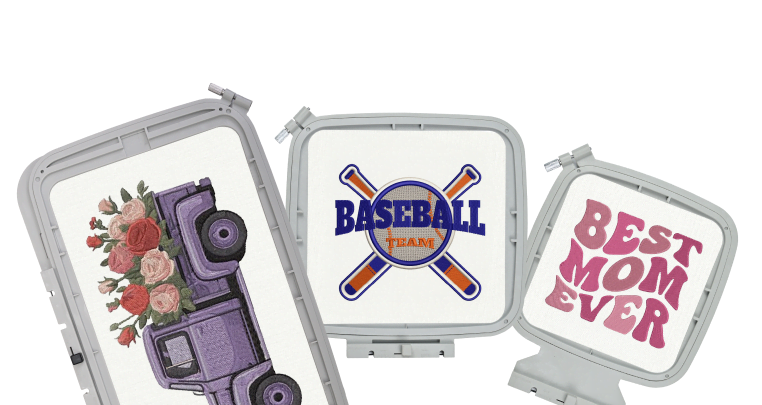
20x38cm max embroidery area
860 stitches per minute
(max speed)
200 built-in patterns
ready to stitch
8 built-in fonts for letter embroidery
Automatic features for ease of use
Needle threader, bobbin winding, thread trimming, and thread break alarm
26 pattern borders
7 inch HD touch screen with an intuitive interface
Drag, zoom, and easily adjust settings on a single screen.
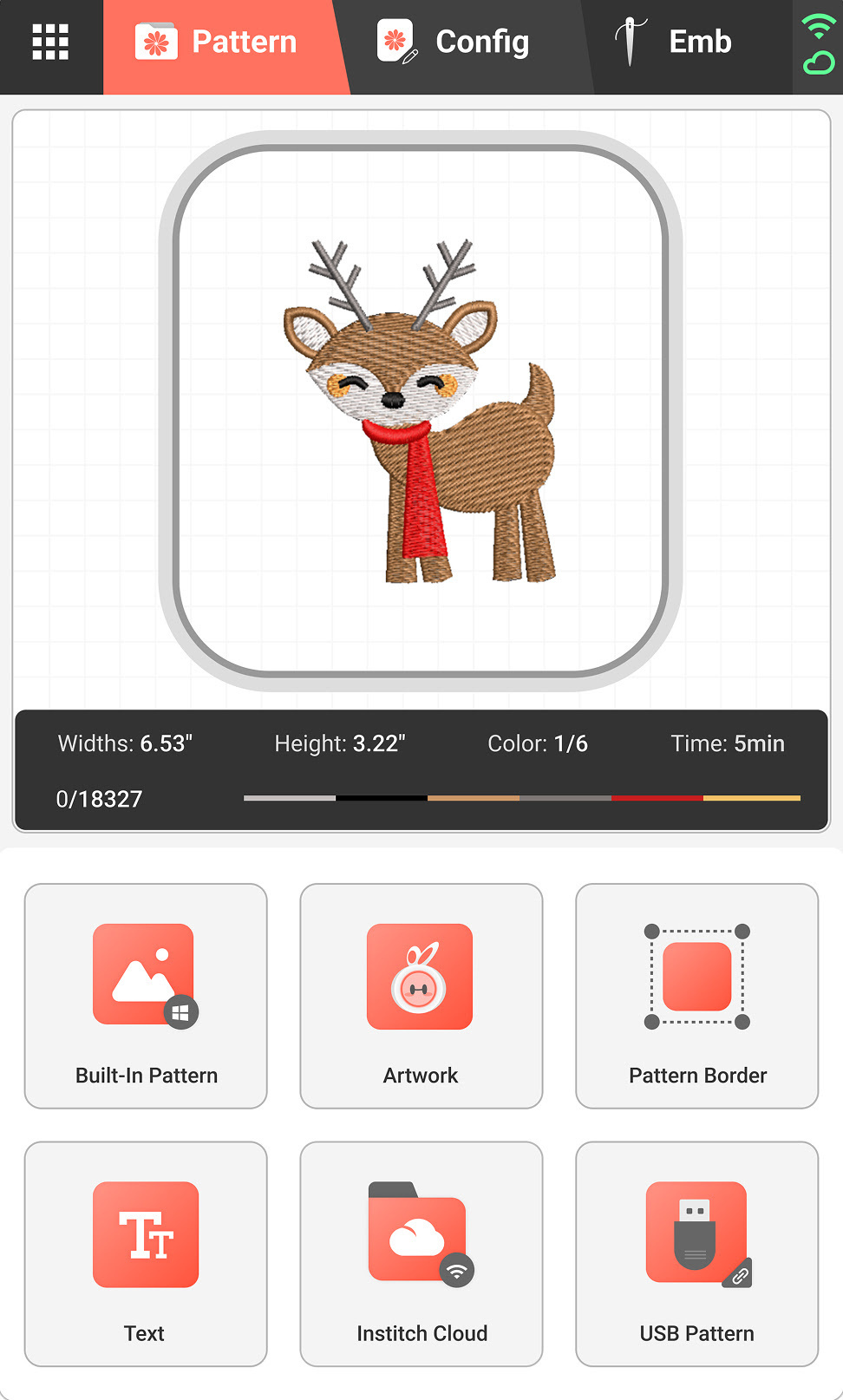
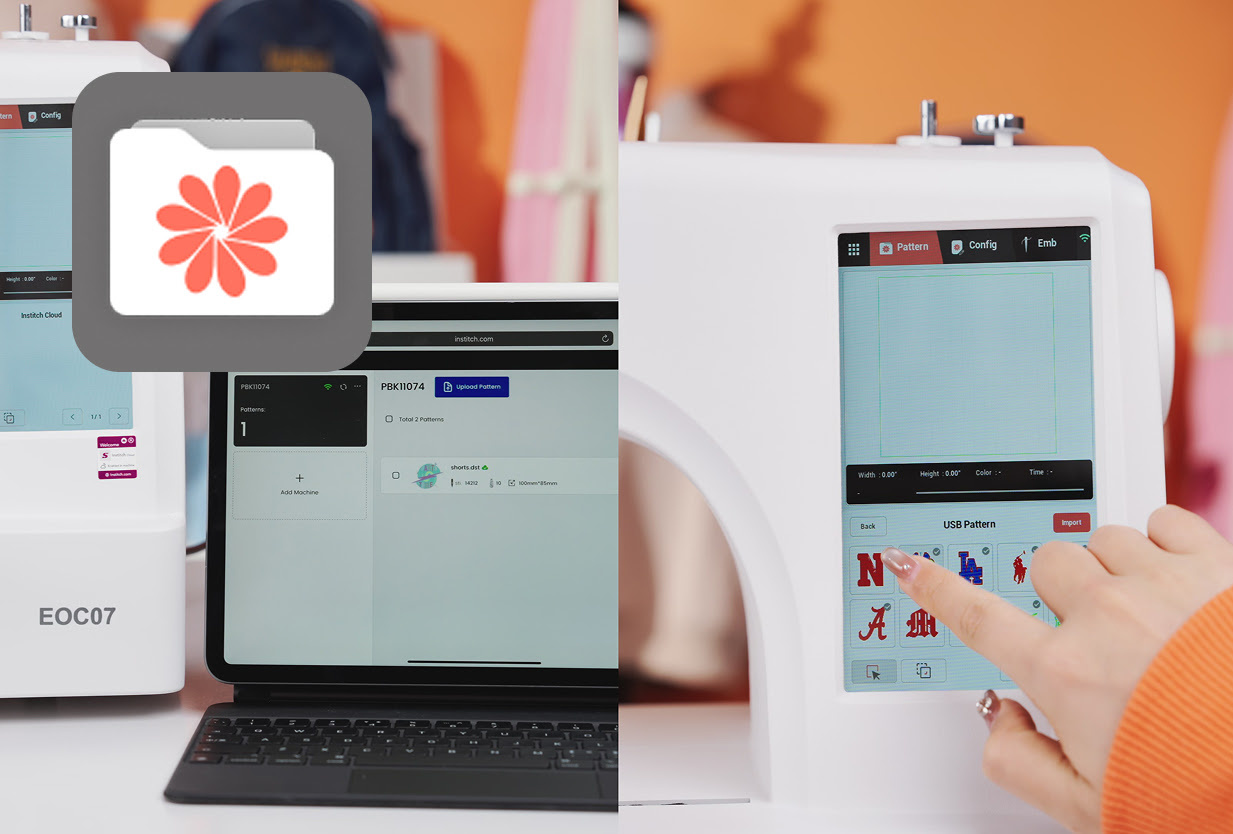
Choose your pattern
Select a built-in pattern on the embroidery machine, import a design via USB or WiFi, or create your own artwork using Institch Doodle Digitizing.
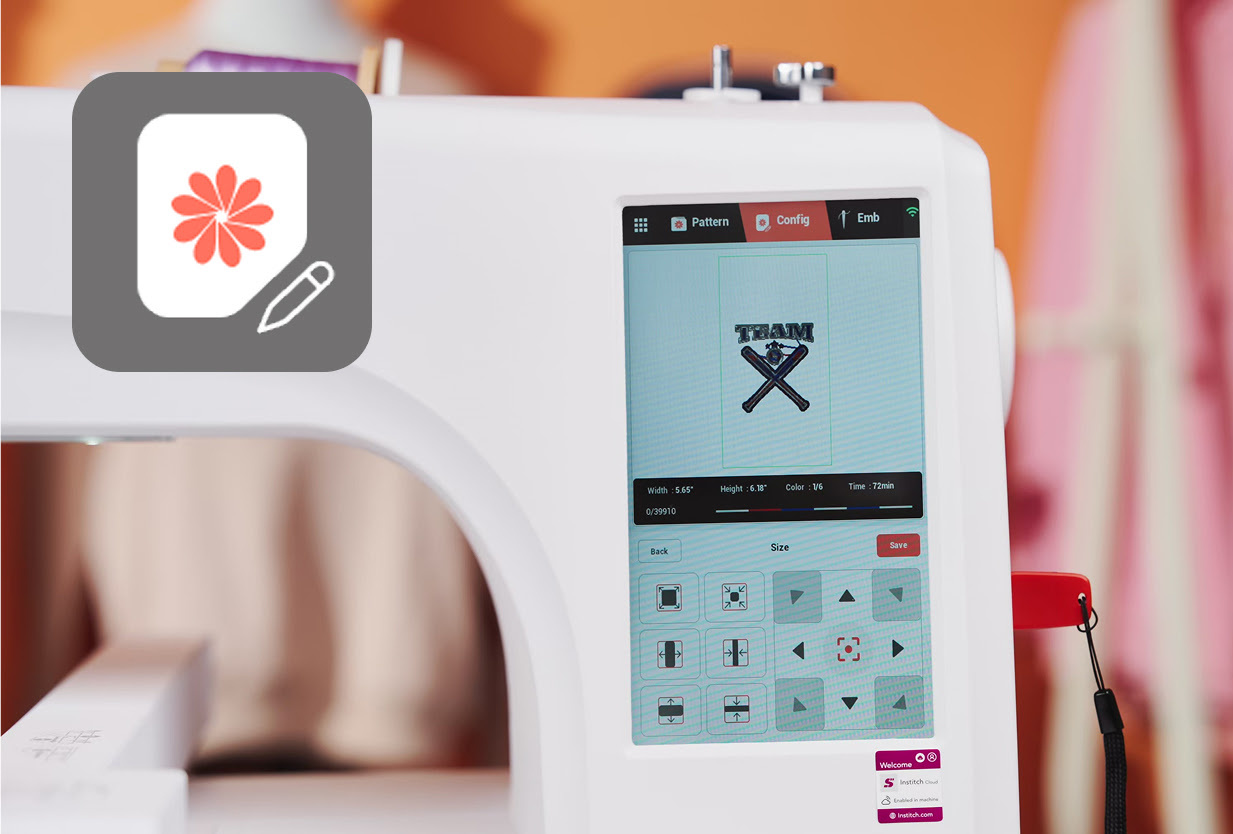
Edit the pattern directly on your machine
You can still make changes to your pattern if necessary. Rotate or flip your pattern, change the size, or even add text.
Start embroidering
Press trace to see if your project fits in the hoop. Tap Ready on the screen, press the Start button, and let the PooLin EOC07 do the work.
Interchangeable embroidery hoops for multiple project sizes
There are four hoops included with the PooLin EOC07 in three versatile sizes: 14 × 14 cm (two hoops), 20 × 20 cm, and 20 × 38 cm. The extra small hoops give you greater efficiency for lettering, patches, and detailed motifs, while the larger frame offers the space you need for expansive, richly stitched designs.
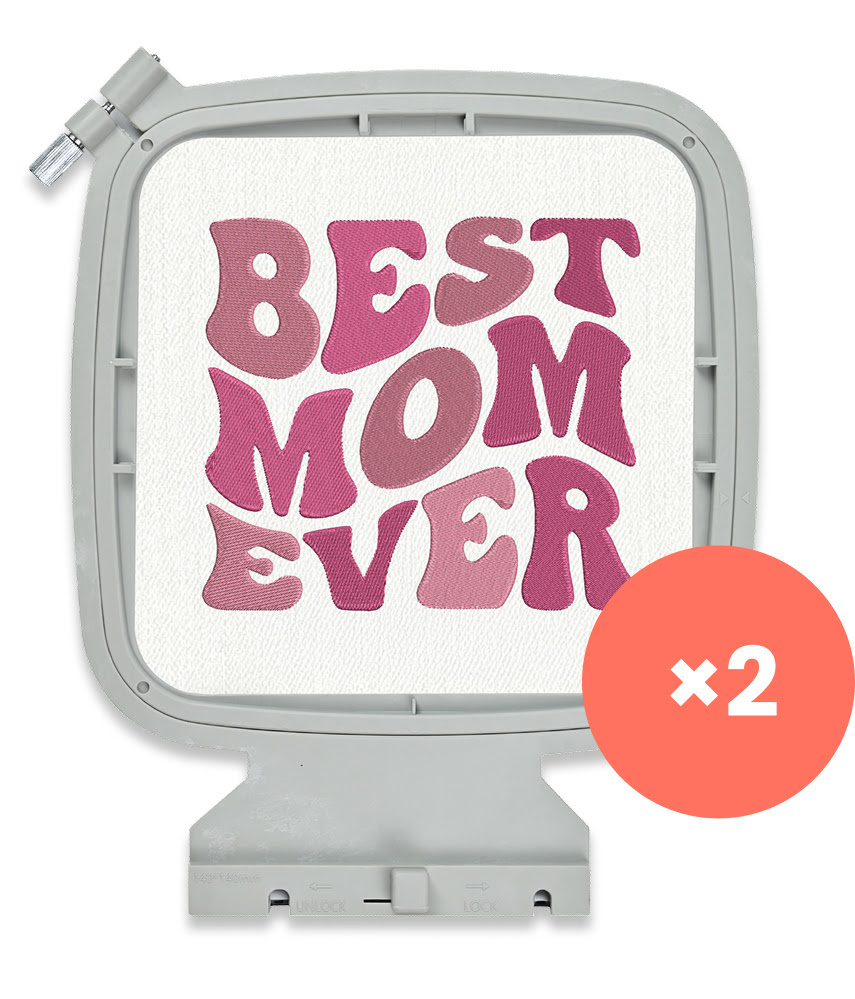
14 x 14 cm
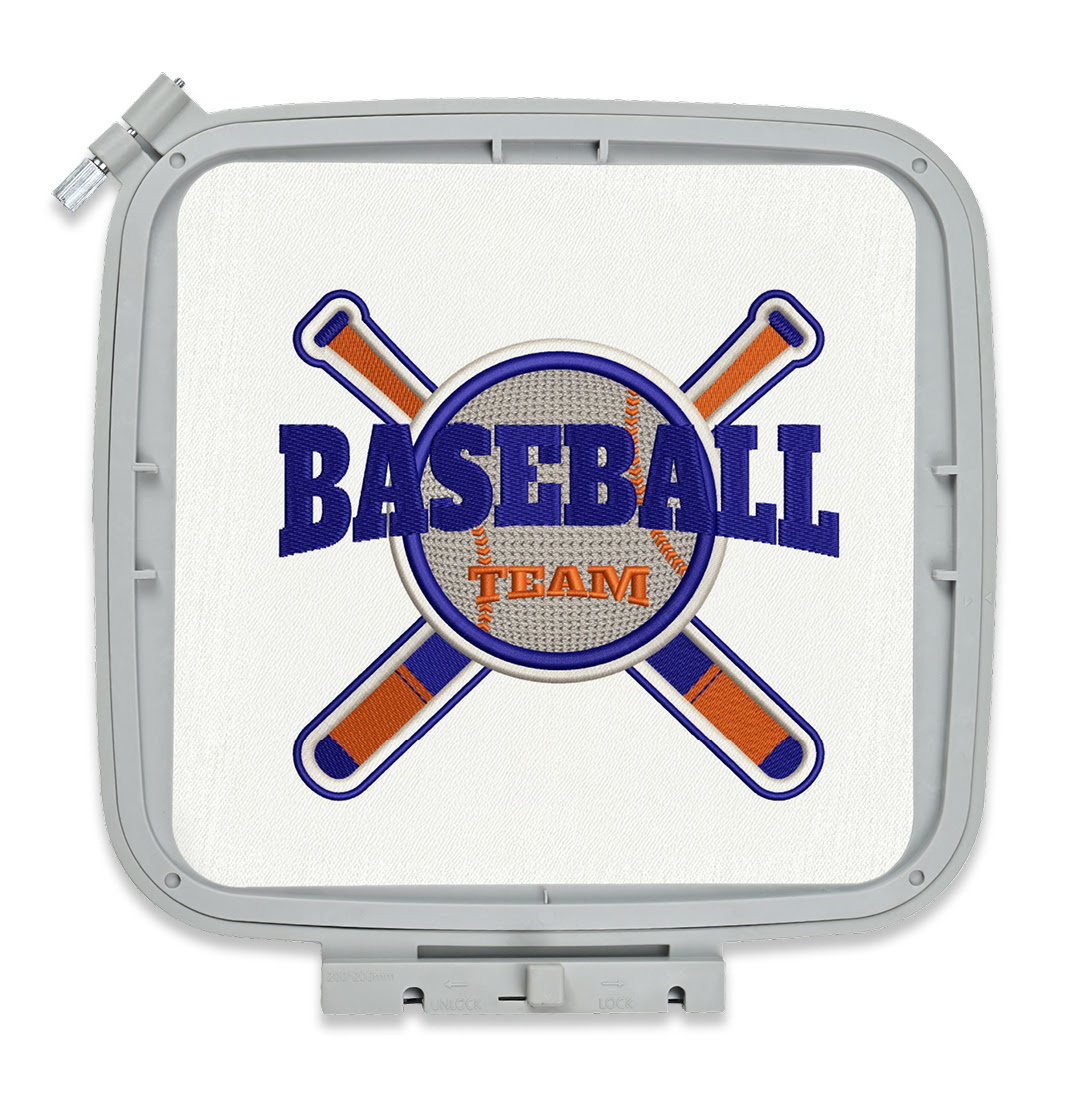
20 x 20 cm
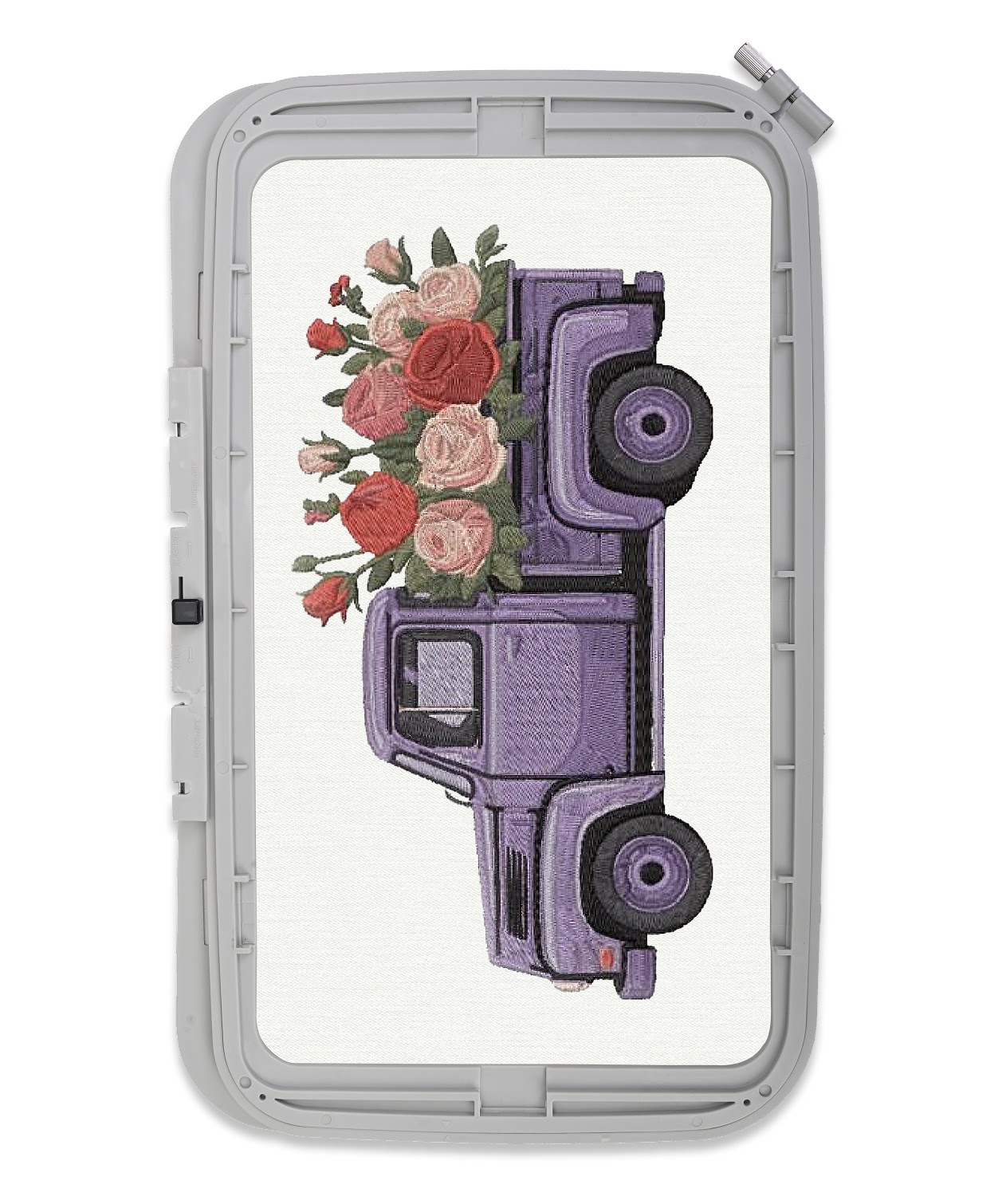
20 x 38 cm
Master large-scale embroidery
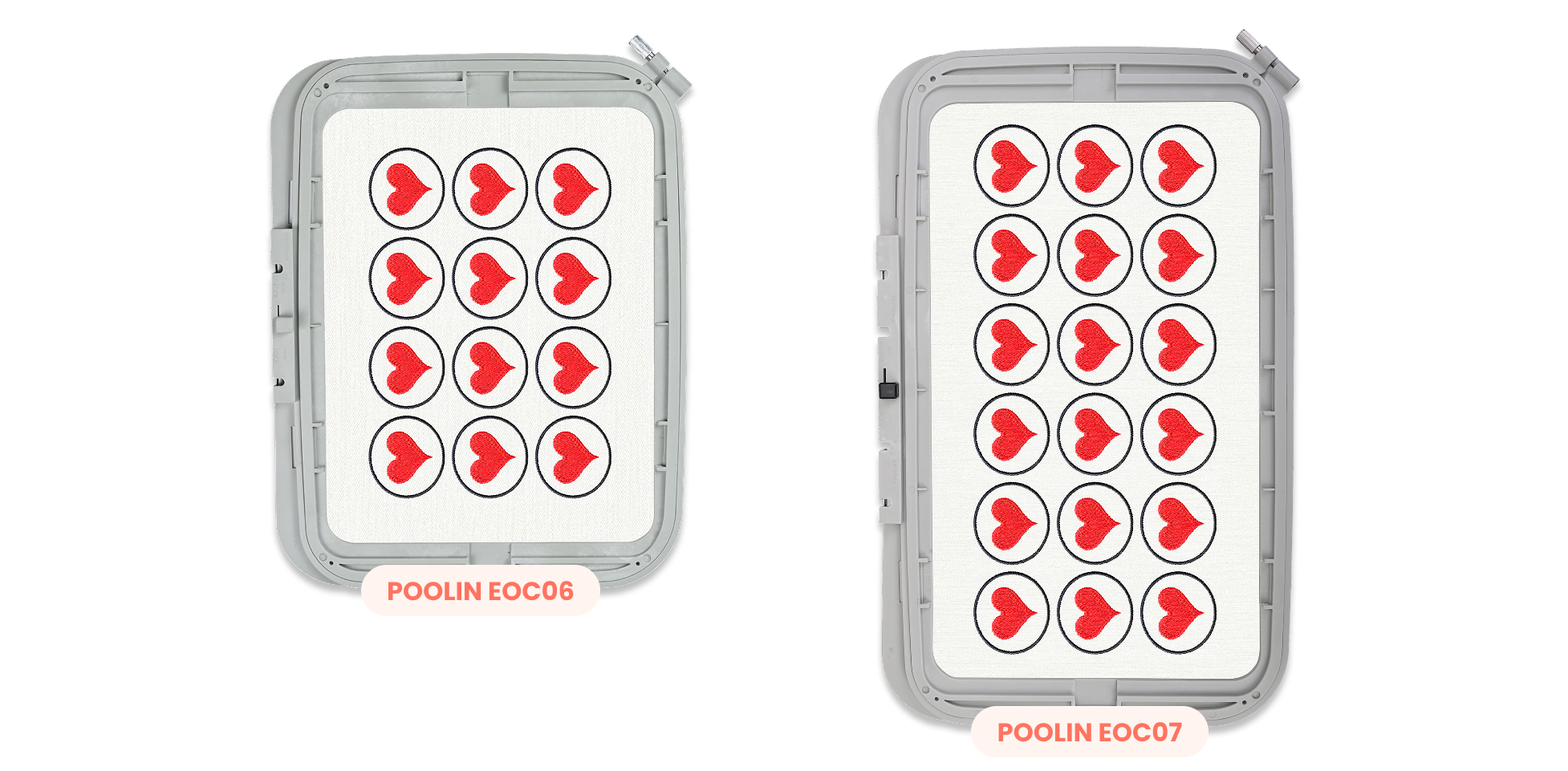
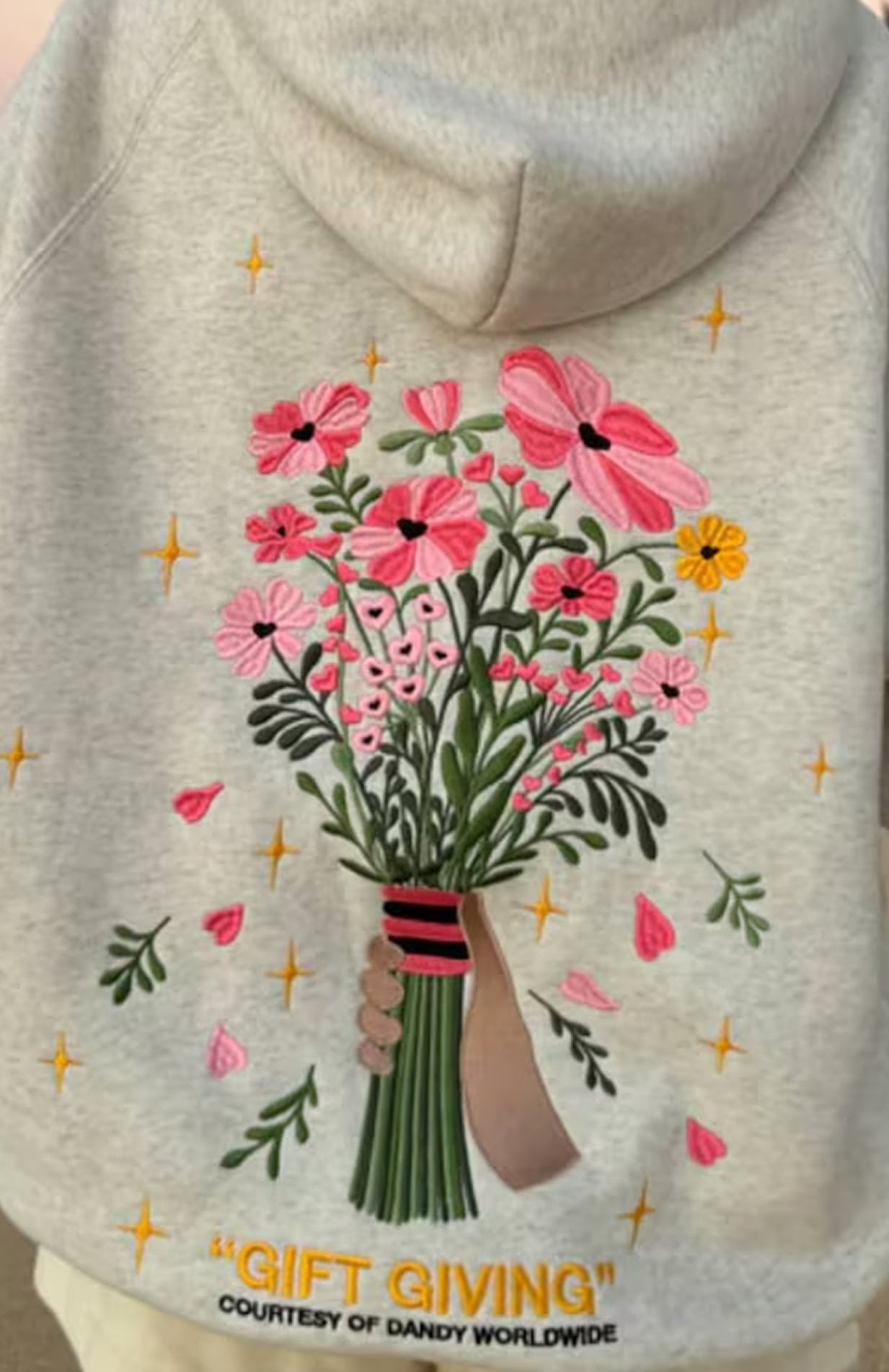
The PooLin EOC07 takes your creativity further by upgrading your maximum workspace to a generous 20 x 38 cm embroidery area, giving you an extra 10 cm of length compared to the EOC06’s 20 x 28 cm hoop size. This expanded area is perfect for stitching large jacket backs, continuous dress patterns, multiple patches, and bold brand logos in a single hooping without wasting time re-aligning your fabric.
Clear, responsive, and effortless to use
High-definition display
The 7-inch HD screen shows every stitch path and texture detail with stunning clarity.
Responsive touch control
Supports multi-touch gestures: drag, zoom, rotate, and adjust.
One-hand operation
The ergonomic interface design puts essential functions at your fingertips.
Interactive editing experience
Create and edit as naturally as sketching on a tablet: intuitive, fluid, and precise.
Personalisation at your fingertips
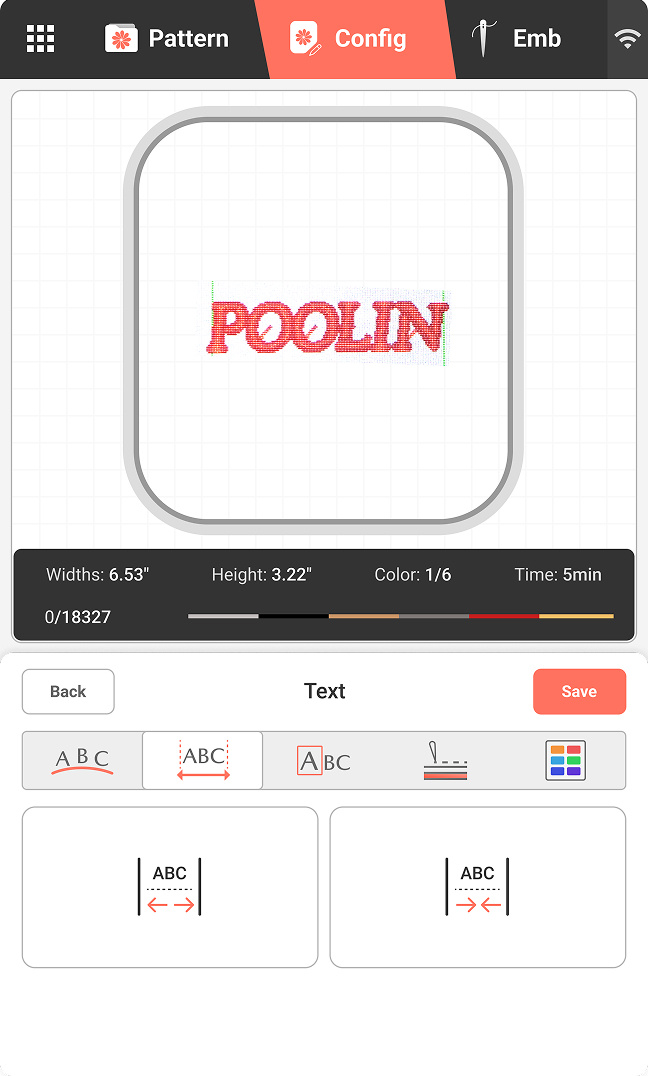
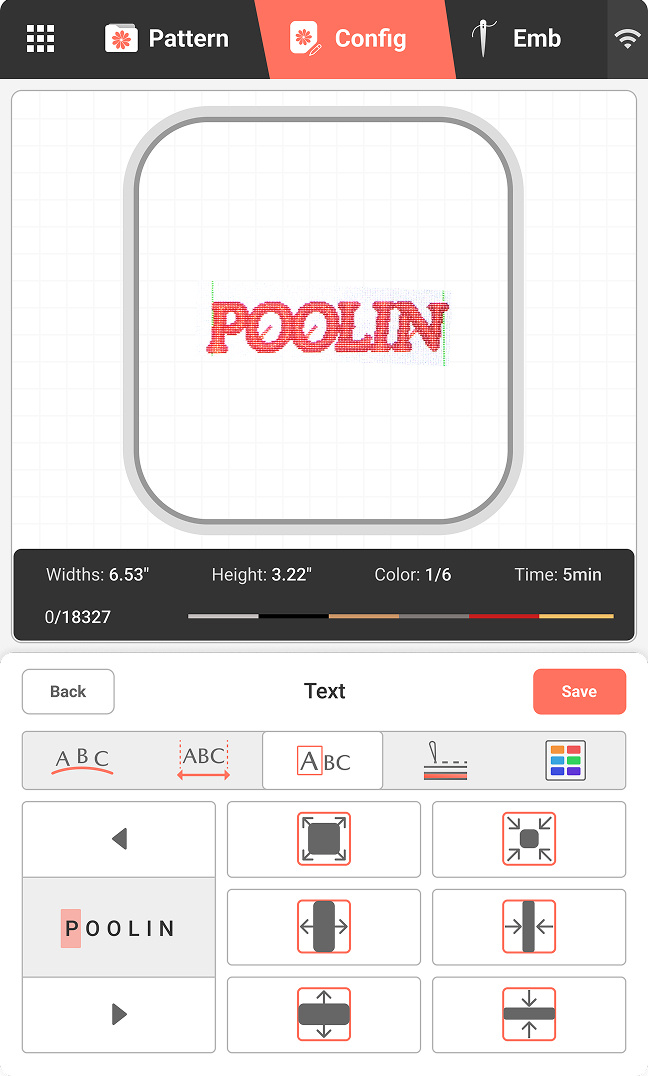
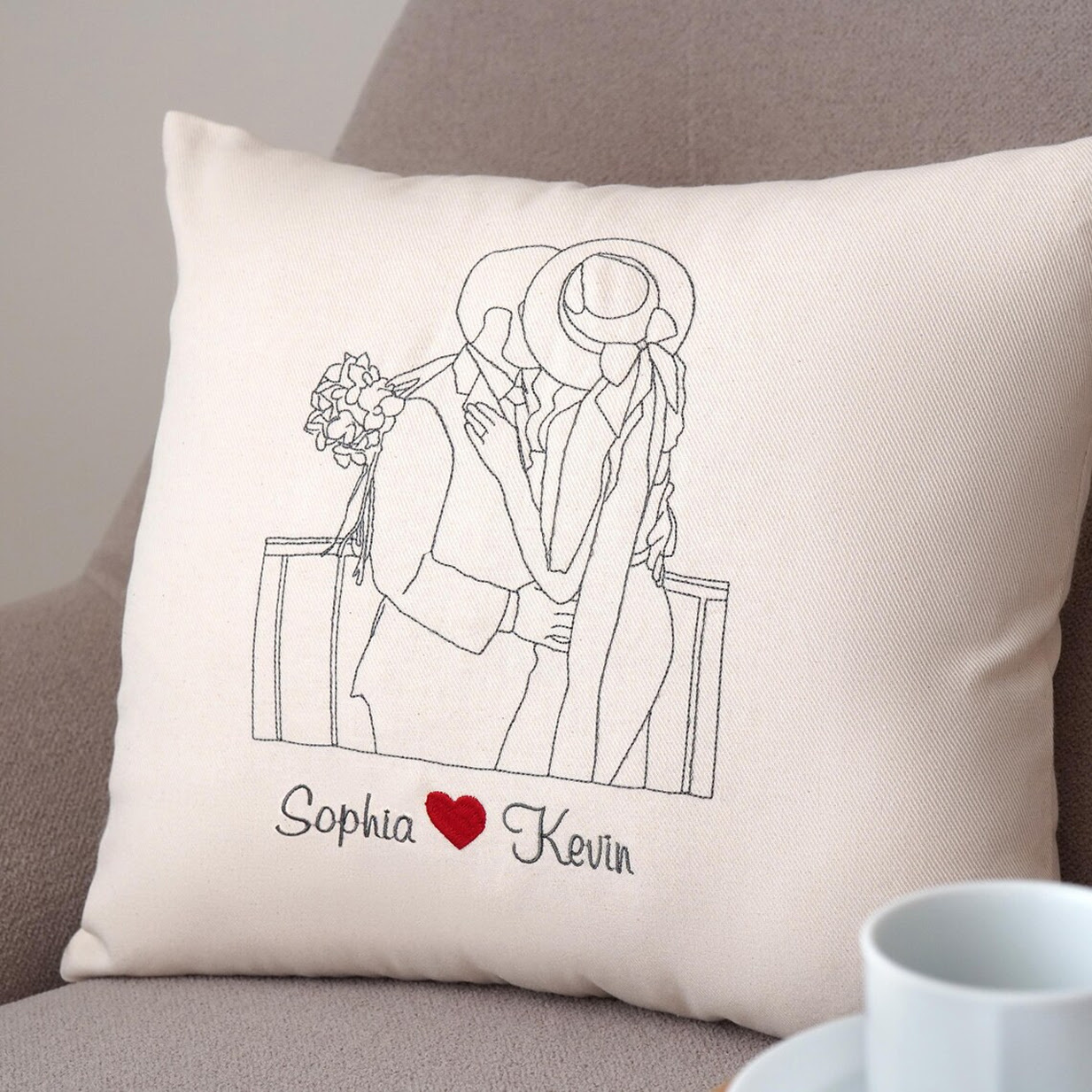
Make your embroidery personal with the PooLin EOC07’s eight built-in fonts. From classic serif styles to clean modern lettering, you can easily add names, monograms, and decorative texts that look crisp and beautifully stitched.
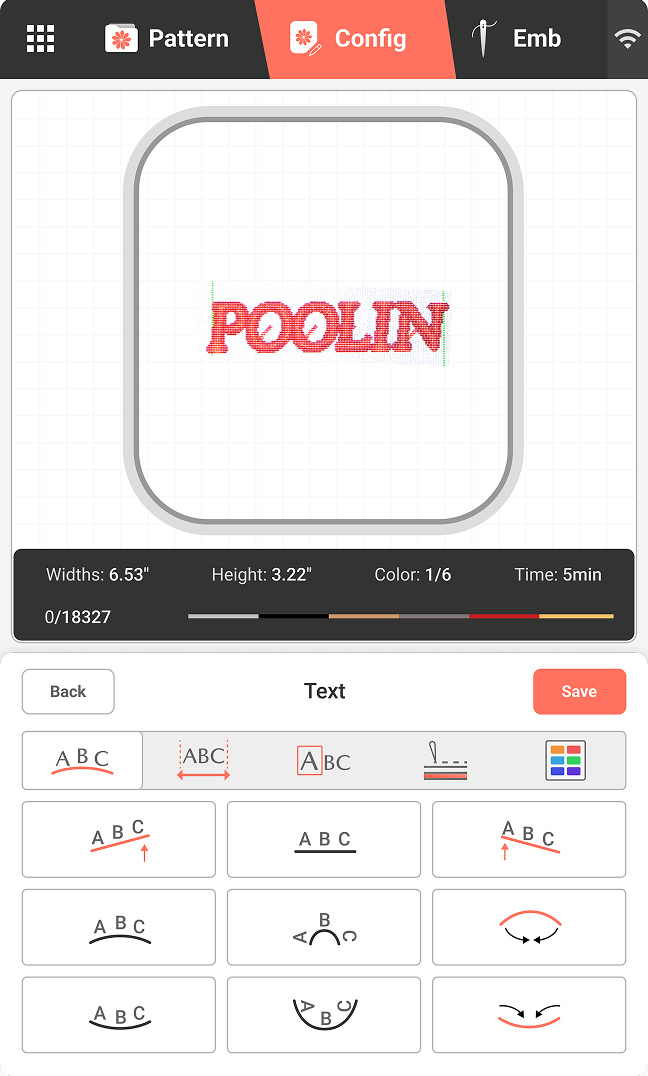
Adjust text angle
Match curves, corners, and creative layouts.
Adjust spacing
Fine-tune spacing between letters for a polished look.

Edit individual letters
Refine the size, position, or style of your text.
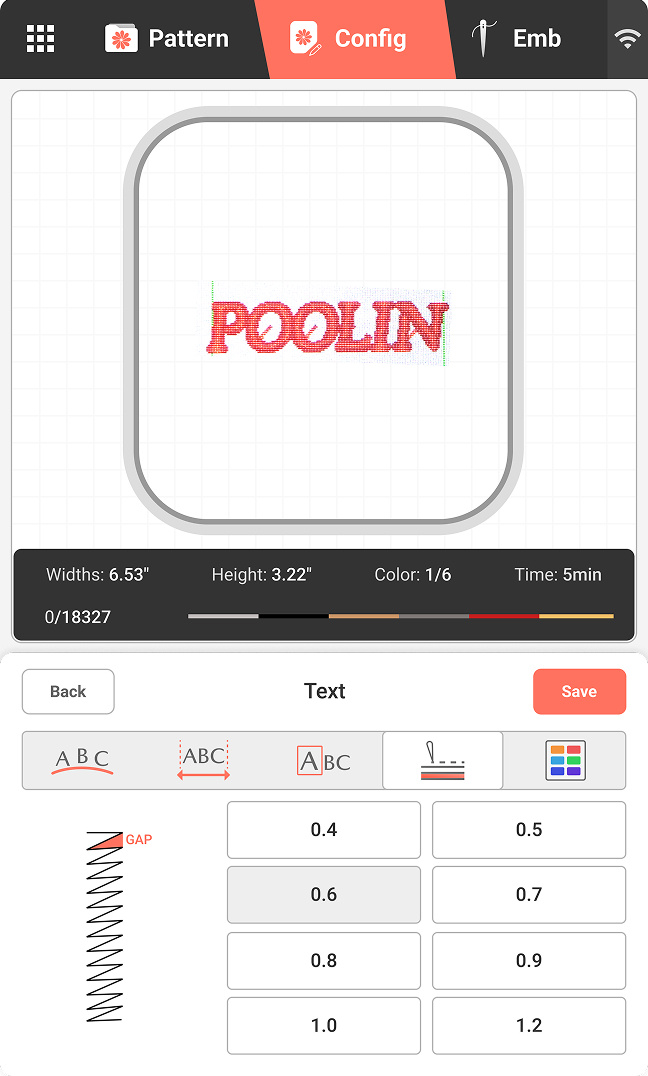
Adjust stitch density
Get sharper edges and smoother fills.
Faster setup, fewer interruptions
Semi-automatic needle threader
Save time and eliminate eye strain by letting the embroidery machine handle the threading for you.
Bobbin winding
Quickly and easily wind your bobbin when you run out of thread.
Thread trimming
The embroidery machine automatically cuts the thread after one colour is completed, so you can switch to the next colour of thread without hassle.
Thread break alarm
Get alerted instantly if your upper thread snaps.
Send your custom artwork directly to your embroidery machine
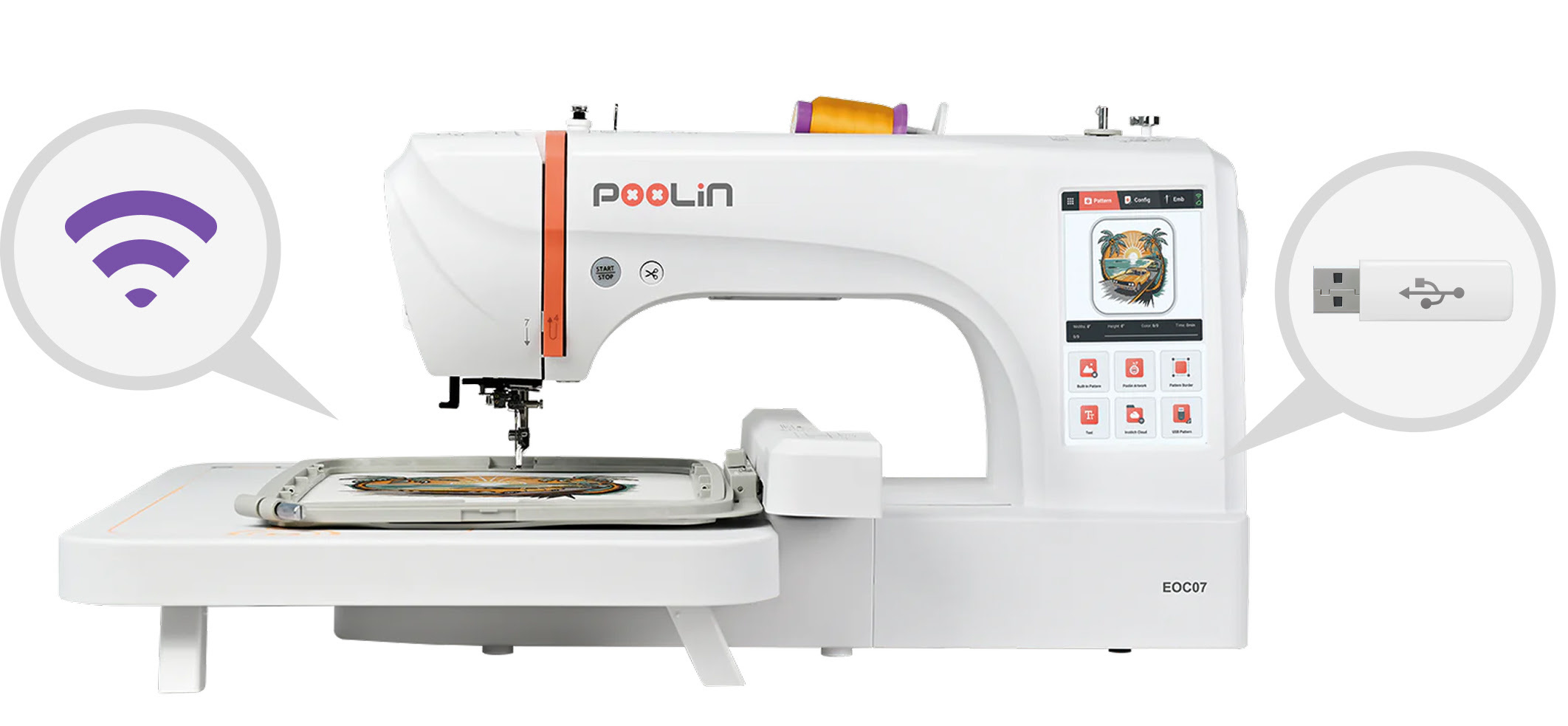
Transferring your designs to your PooLin EOC07 is quick and effortless. Simply send your DST or DSB embroidery files to the embroidery machine via USB or WiFi, and they appear instantly on the large touchscreen, ready to stitch. Other embroidery file formats should be converted to a supported format before transfer. No complicated steps, no cables to manage, just smooth sailing from design to embroidery.
Enjoy smooth, simple navigation in your preferred language
With currently 12 available languages, the PooLin EOC07’s interface adapts to your preferences, giving you a smooth, familiar, and user-friendly experience from the moment you switch it on.
Supported languages are English, Arabic, French, German, Italian, Japanese, Portuguese, Russian, Simplified Chinese, Spanish, Turkish, and Vietnamese.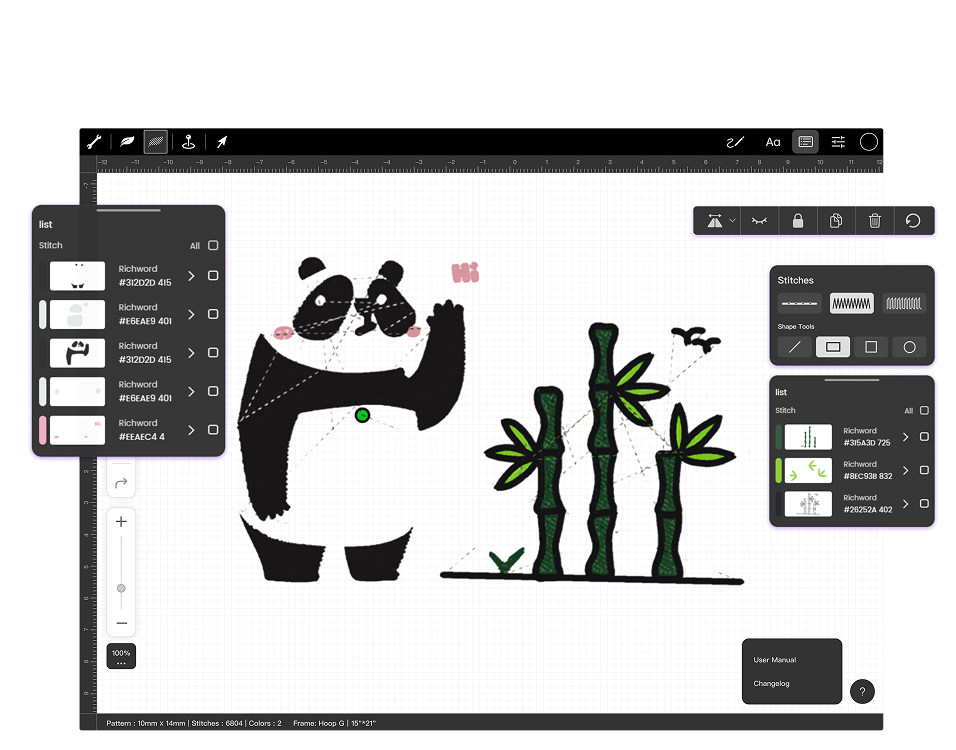
With Institch Doodle Digitizing, even beginners can turn ideas into beautiful embroidery.
This free, web-based tool lets you doodle, trace, or upload artwork and convert it into stitch-ready files for your PooLin EOC07. The built-in cost calculator helps you plan materials and pricing, and designs can be sent wirelessly straight to your machine.
It’s a simple, fun way to bring your creativity to life with no experience required.
Learn more about Institch
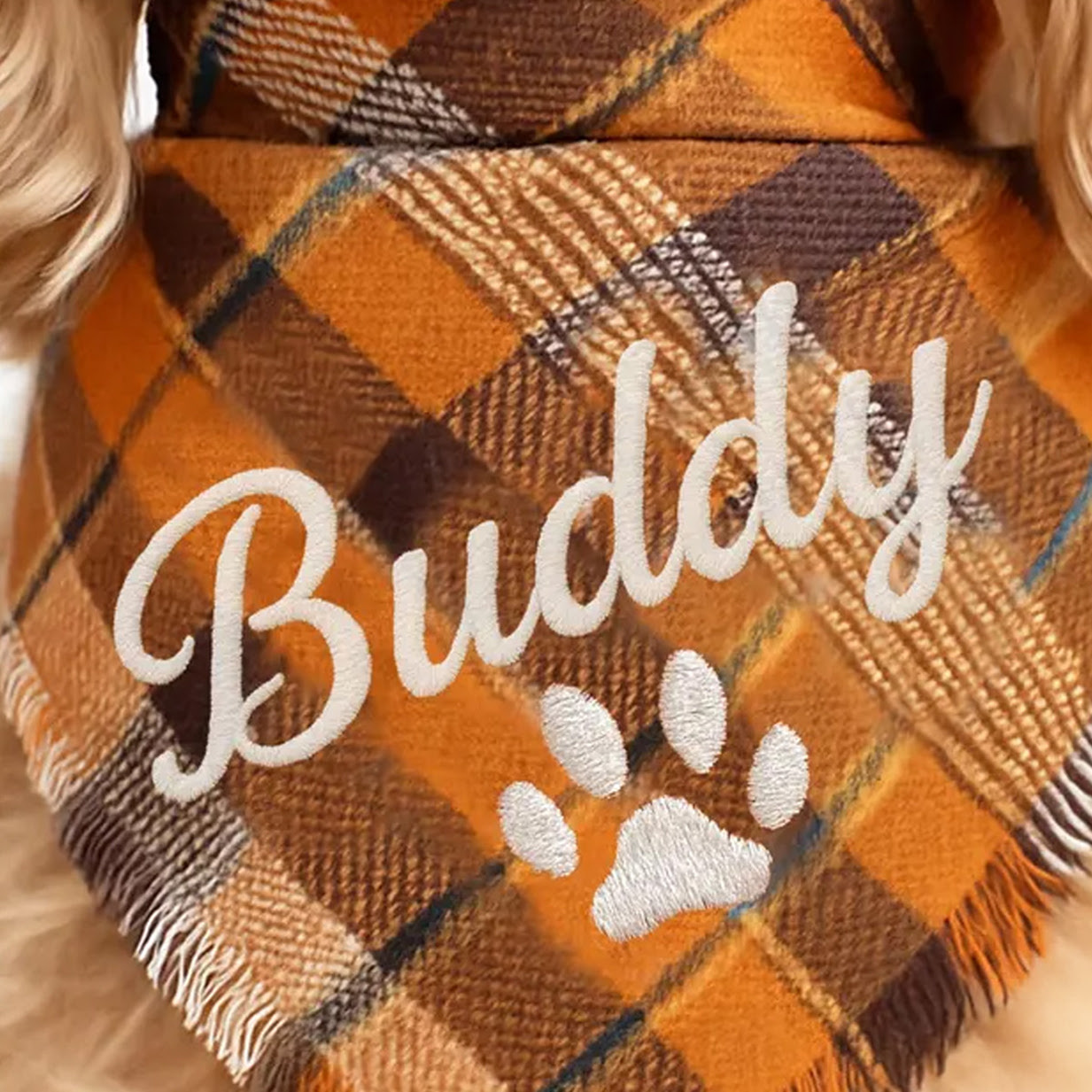
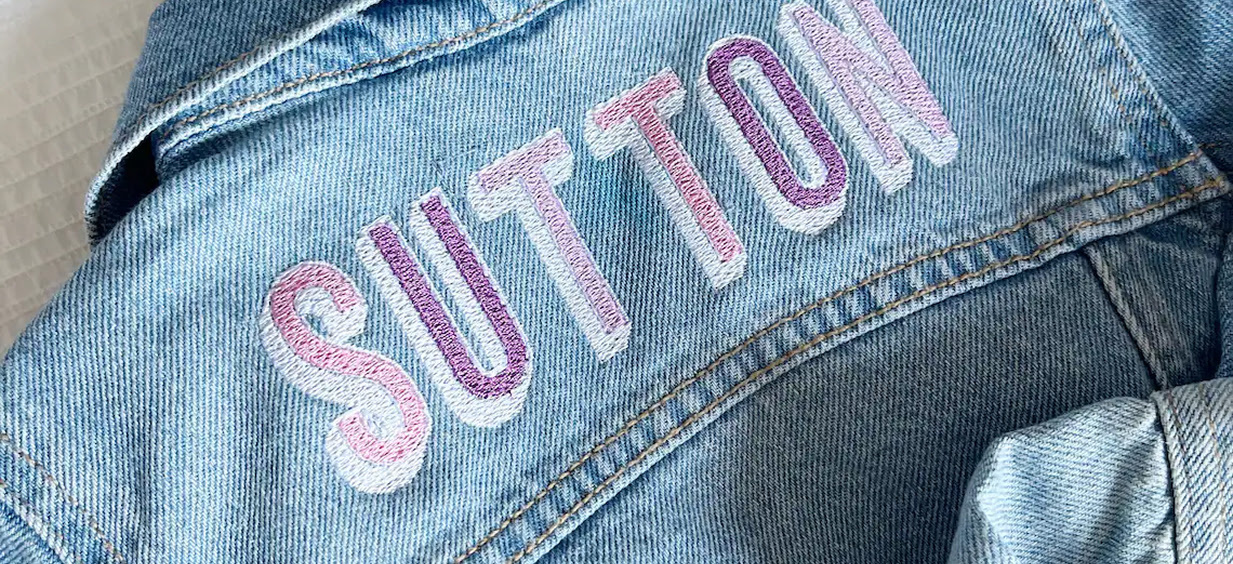
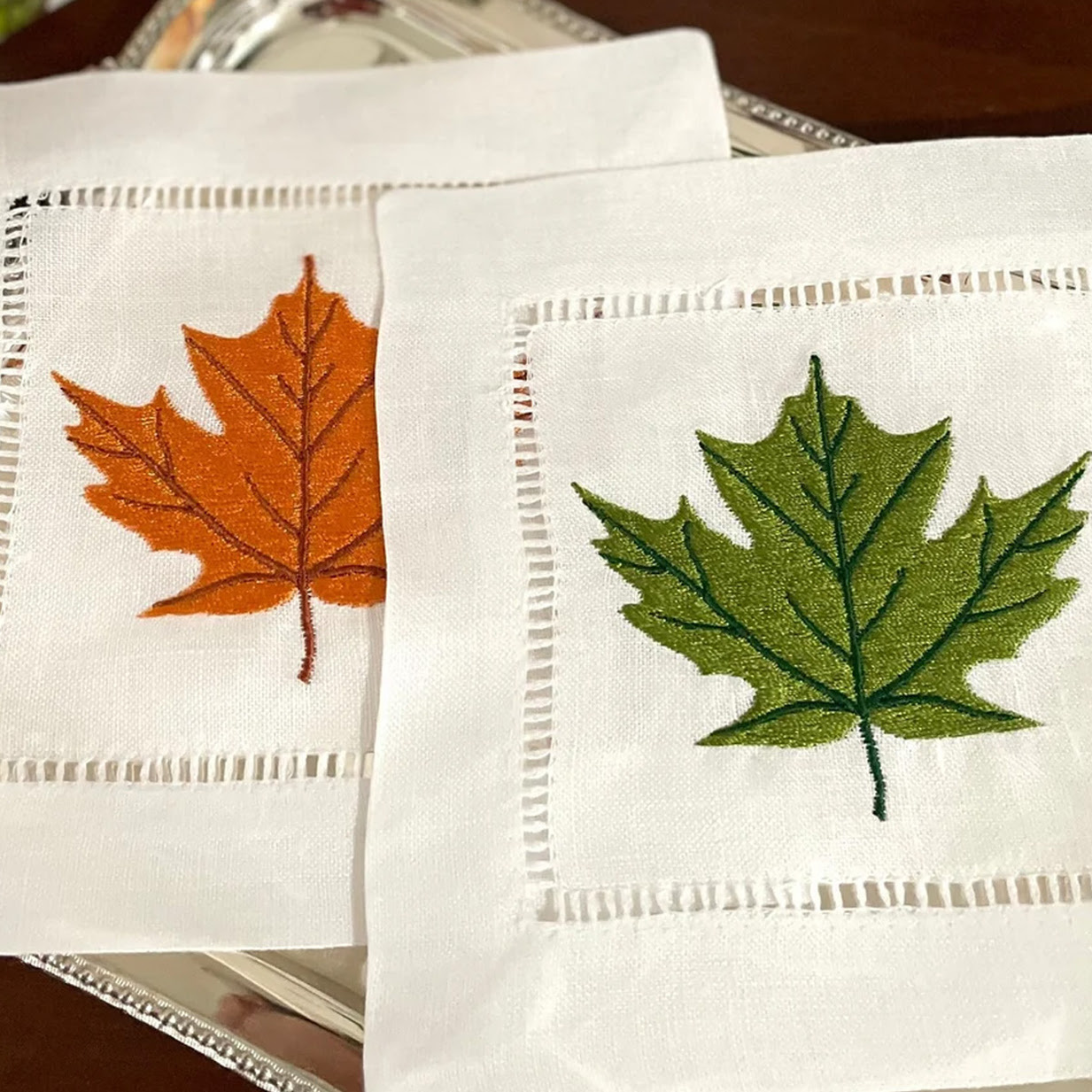
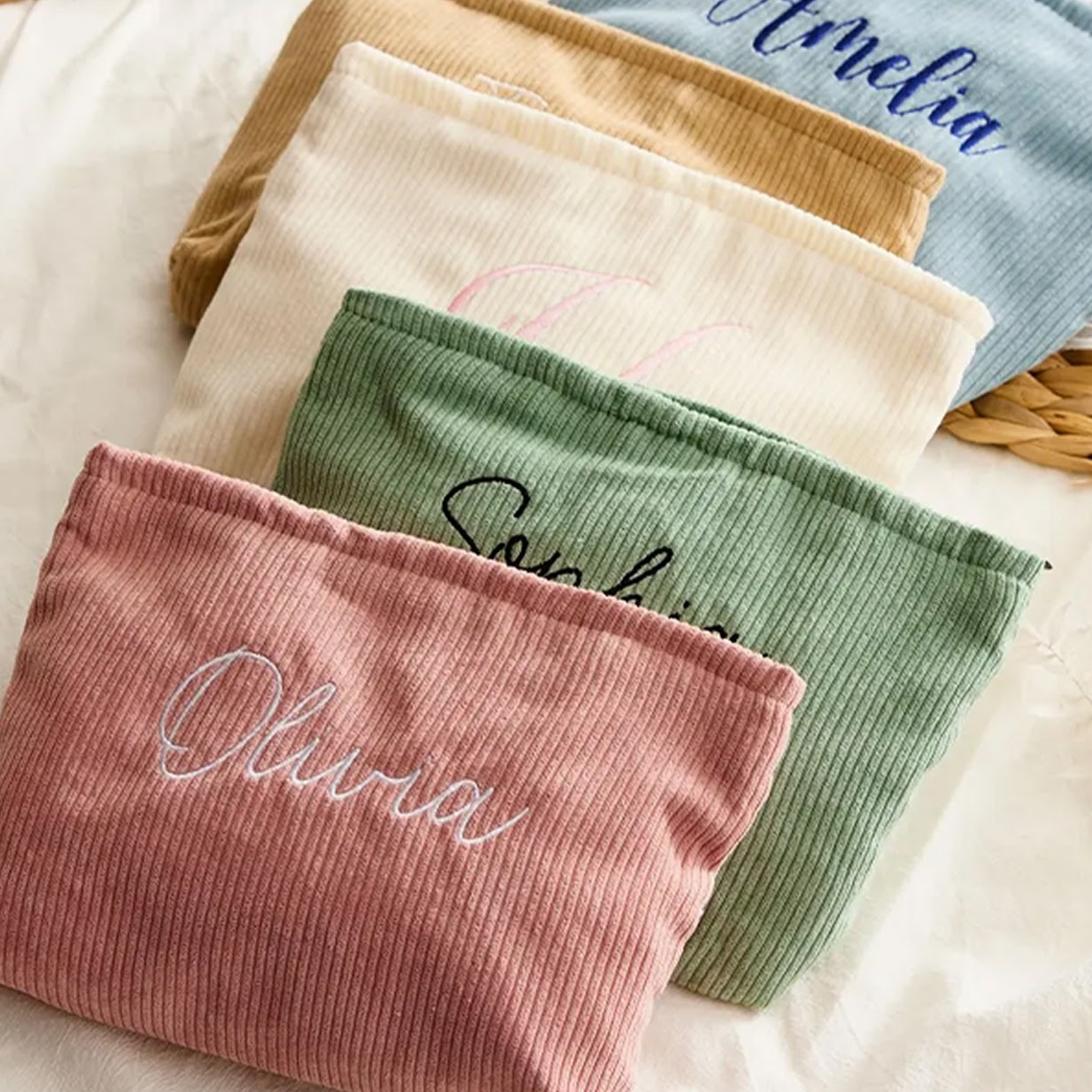
What if your creative vision had no limits? Imagine stitching sweeping designs onto bedding, precise branding down a sleeve, or an entire collection of custom apparel without constantly resetting your hoop. With the PooLin EOC07, your biggest ideas come to life with professional efficiency.
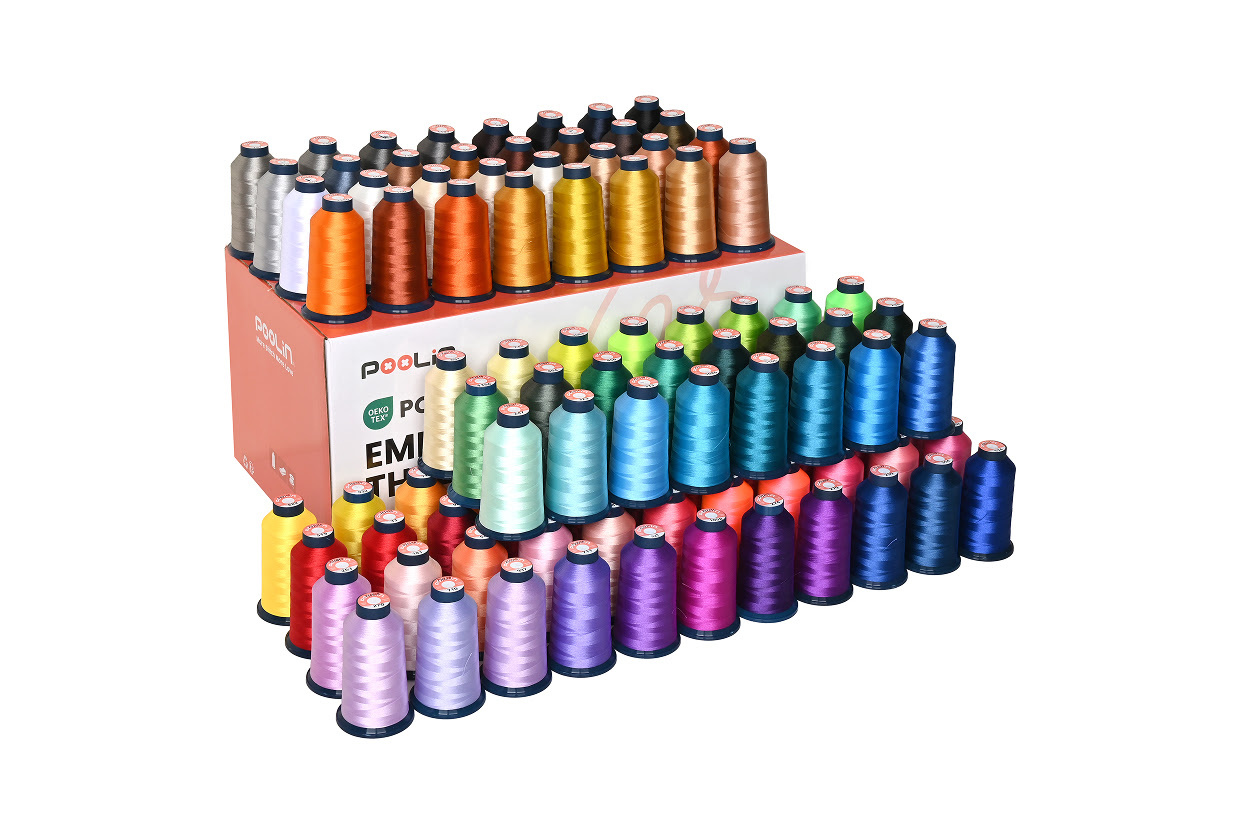
Embroidery thread
Smooth and resistant to breakage, with rich vibrant colours. Make your creations stand out.
Shop now for embroidery thread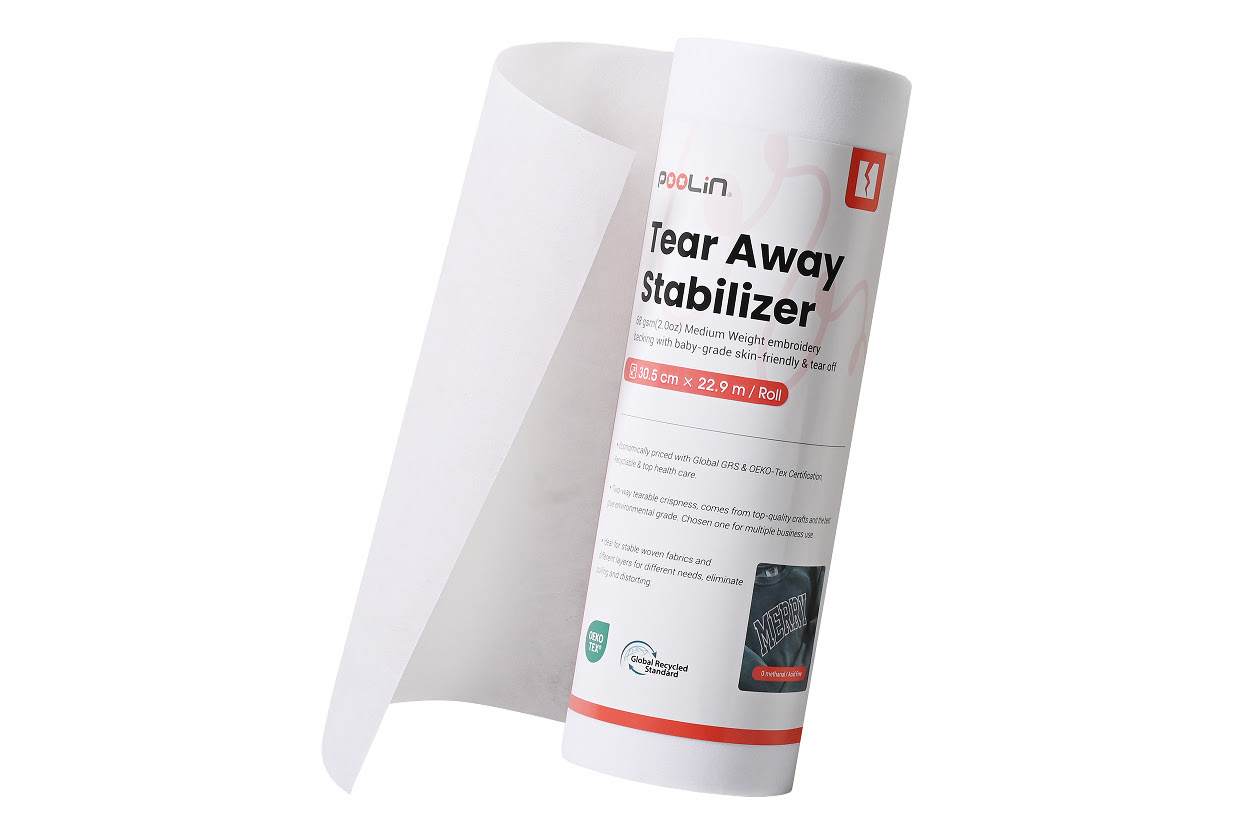
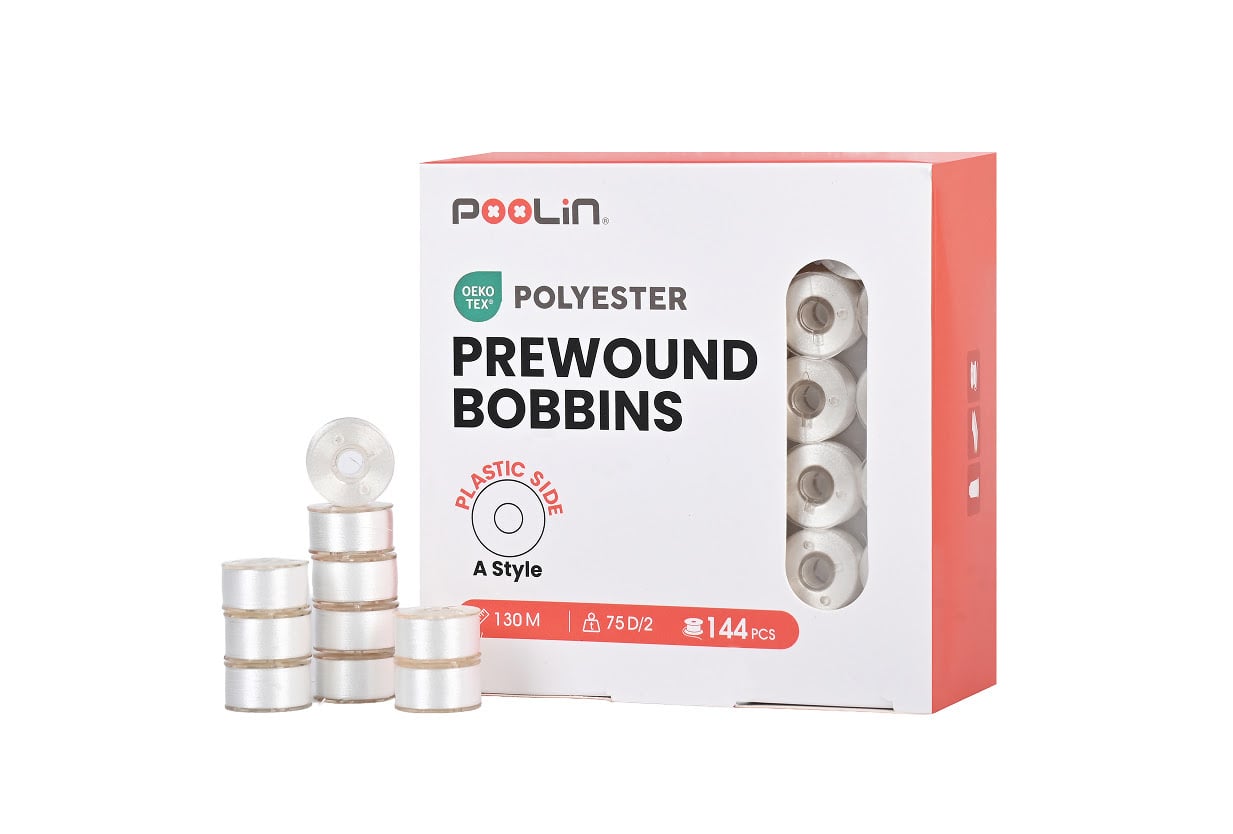
Bobbins
Pre-wound bobbins with reduced friction and static for even thread tension and a professional finish.
Shop now for bobbinsFrom inspiration to finished design, PooLin provides the tools and guidance to bring your embroidery ideas to life.
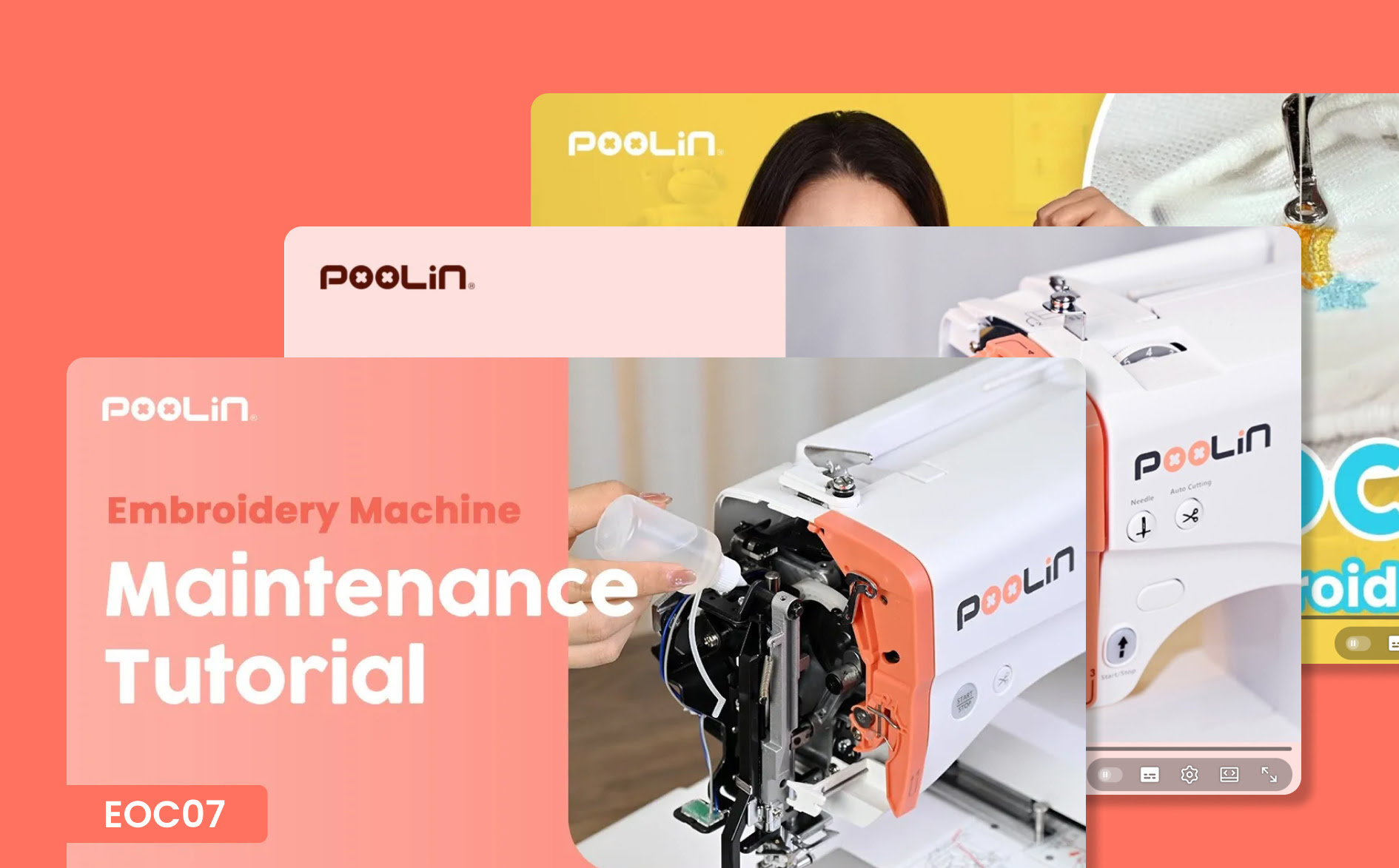
Discover easy step-by-step setup guides, essential machine maintenance tips, and practical video tutorials for your PooLin EOC07. Learn how to look after your machine and get professional results from your very first stitch.
Watch on YouTube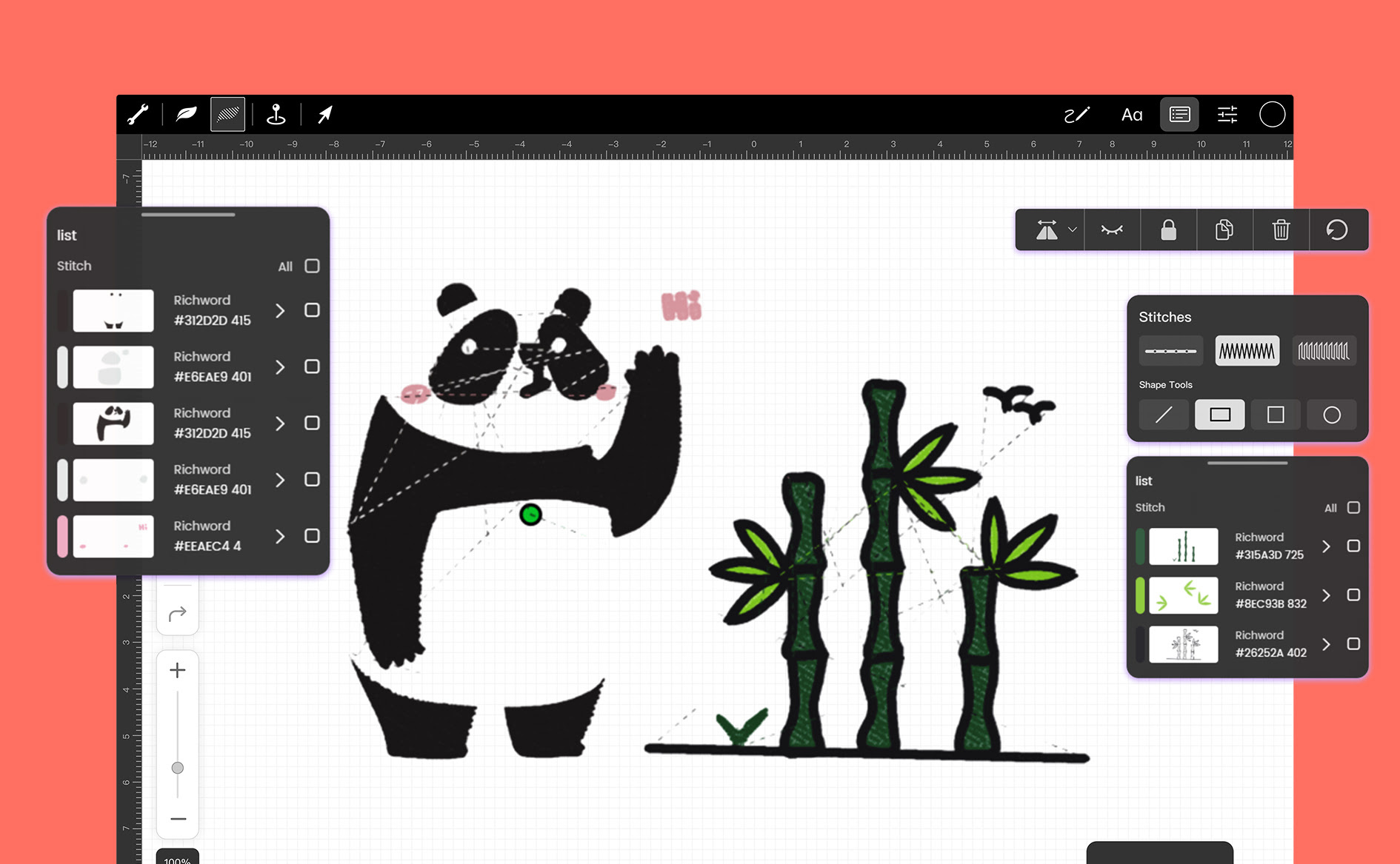
Bring your custom creations to life with our free embroidery design software. Effortlessly flip, rotate, resize or add custom lettering to your patterns to create the perfect layout before you stitch.
Learn more about our software